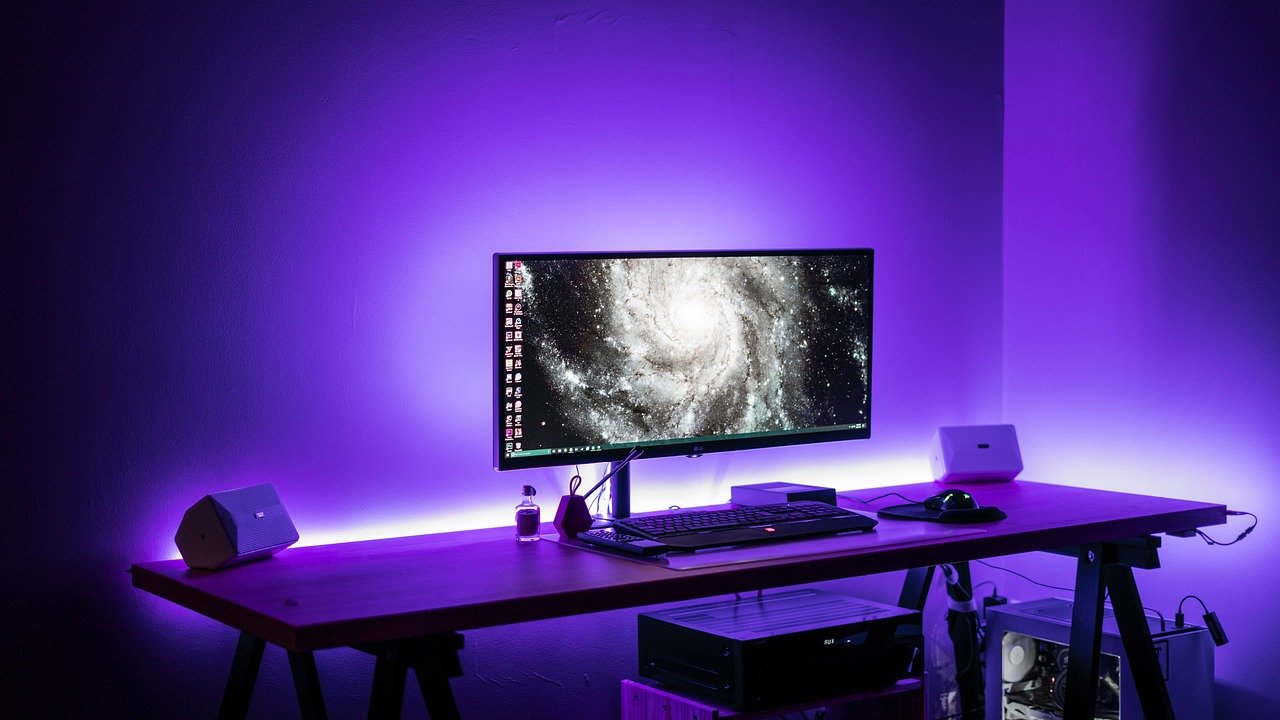
The best xbox game pass pc games depend on your tier: most library titles run on both console and PC unless marked otherwise, and cloud streaming helps machines that cannot install big games.
Release timing also changes what is worth subscribing for, so keep an eye on upcoming video game releases before you commit to a plan.
How the Game Pass library maps to PC
Game Pass on PC is one shared catalog with a few exceptions, not a separate PC-only store. Metacritic’s running Game Pass library list states the rule plainly: all games are available on both console and PC unless otherwise indicated. That makes the list’s markers the first thing to read, because they tell you where a title does not follow the default.

Two markers matter for PC players:
- PC only entries. Some titles are flagged as PC only. Age of Empires Definitive Edition is one example on the list, which makes it a safe pick if you play strictly on a PC.
- The (U) marker. Titles marked (U) have a console version that is exclusive to Game Pass Ultimate subscribers. The marker describes the console version, so check the entry before assuming it limits the PC version.
The list was published on October 20, 2026, and the catalog rotates. Treat it as a snapshot for shortlisting, then confirm availability in the Xbox app before you plan an evening around a game.
Tiers and access routes on PC
Your tier decides which route to PC play you actually have. Essential is the narrowest: according to the same Metacritic list, Essential subscribers do not have access to any other games on it. If you only want the library, that tier is not the one to buy.
The other routes were described around Insider tests in 2025, so read them as a direction of travel rather than a settled feature set.
| Route | Condition | Planning use |
|---|---|---|
| Cloud streaming to a PC | Game Pass Ultimate, reported at $20 per month in July 2025; streaming without a full local install | Suits a PC with limited storage or a weak graphics card, provided your region is supported |
| PC versions of selected titles on Core or Standard | Xbox Insider beta from August 27, 2025 | Worth watching if you are on a cheaper tier, but not yet a reason to pick one |
| Cloud beta on Core or Standard | Xbox Insiders on those tiers, August 2025 | Useful for trying streaming without Ultimate, with beta limits expected |
Figures come from reporting on the July 2025 PC streaming test and IGN’s coverage of the Core and Standard beta.
The practical judgement: if you want the widest PC access today, Ultimate is the tier the evidence points to. Choose Core or Standard only if the selected PC titles on offer happen to match what you want to play.
Best Game Pass PC games to start with
The strongest starting points are the titles that the list or the PC streaming reports confirm, matched to how you play. Strategy fans have the clearest case: Age of Empires Definitive Edition is flagged as PC only, and Age of Empires IV Anniversary Edition also appears in the library list. Together they cover an older and a newer entry in one series, so you can judge which style suits you before spending hours on either.
Football Manager 26 is the one title to prioritise by date. The list shows it under leaving soon with a removal date of Nov 10, so start it now if you want it, and skip it if you cannot play before then.
For big third-party games, the July 2025 PC streaming report says the supported library includes major releases such as Baldur’s Gate 3, Hogwarts Legacy and Cyberpunk 2077. That report ties streaming to games you own digitally, so treat those three as streaming options for your existing library rather than assumed subscription catalog entries.
If your taste runs to scares, The Best Horror Games On Xbox Game Pass In 2026: Scares, Secrets, And What To Play First – Lunacheats narrows the catalog for that genre. For titles that may land in the library later, The Biggest Video Games Coming Out in 2026: What To Watch, Preorder, And Play – Lunacheats is a better way to plan.
Checking hardware and mod support before you commit
Hardware requirements and mod support are set per game, not per subscription, so check them on a title’s own page before you install. A catalog that includes strategy sims, open-world RPGs and small indies spans a wide range of demands, and a subscription does not change what a game needs from your processor, graphics card or drive.
Use this order to decide:
- Read the listed requirements. Compare them with your own PC before downloading anything large.
- Look for mod documentation. If modding is why you want a game, confirm with the publisher or the game’s community pages that it is supported on the Game Pass version.
- Fall back to streaming. If a game exceeds your hardware, cloud play is the alternative, because it avoids installing the full game client.
Streaming is not a way around every limit. It depends on your plan and region, and it is a weaker choice if your priority is local customisation of a game.
Installing locally or streaming from the cloud
Installing means downloading the game to your PC, while streaming runs it remotely. According to the 2025 Insider test report, PC streaming bypasses the need for local installations. That is the main reason to choose it: you skip the download and the storage cost.
Follow this sequence to pick between them:
- Open the game’s entry in the Xbox app. Check whether it is marked for PC or flagged as limited to certain tiers.
- Compare your PC with the listed requirements. If it clears them and you have the storage, install locally so you can play without depending on a connection.
- Stream if it does not. A low-spec laptop or a drive that is nearly full is a good reason to use the cloud instead.
- Confirm your region and tier. Streaming only works where Xbox Cloud Gaming is officially supported, and the PC route was tied to Ultimate in the reporting.
Local installs are the better default for long campaigns and anything you want to modify. Streaming suits short sessions, trials, and games your hardware cannot handle.
Frequently asked questions
Can I stream a physical disc game to my PC?
No. The 2025 test required a digital copy of the game, and physical disc-based games are not compatible.
How many countries can use Xbox Cloud Gaming on PC?
The same report says PC streaming is restricted to the 28 countries where Xbox Cloud Gaming is officially supported, so check that your country is on that list before relying on it.
What streaming quality did Xbox Cloud Gaming offer on PC at launch?
When Xbox Cloud Gaming opened to Ultimate members on Windows 10 PCs through a browser in June 2021, games streamed at 1080p, up to 60 FPS, across 22 countries. That is the 2021 announcement, so current limits may differ.
Leave a Reply