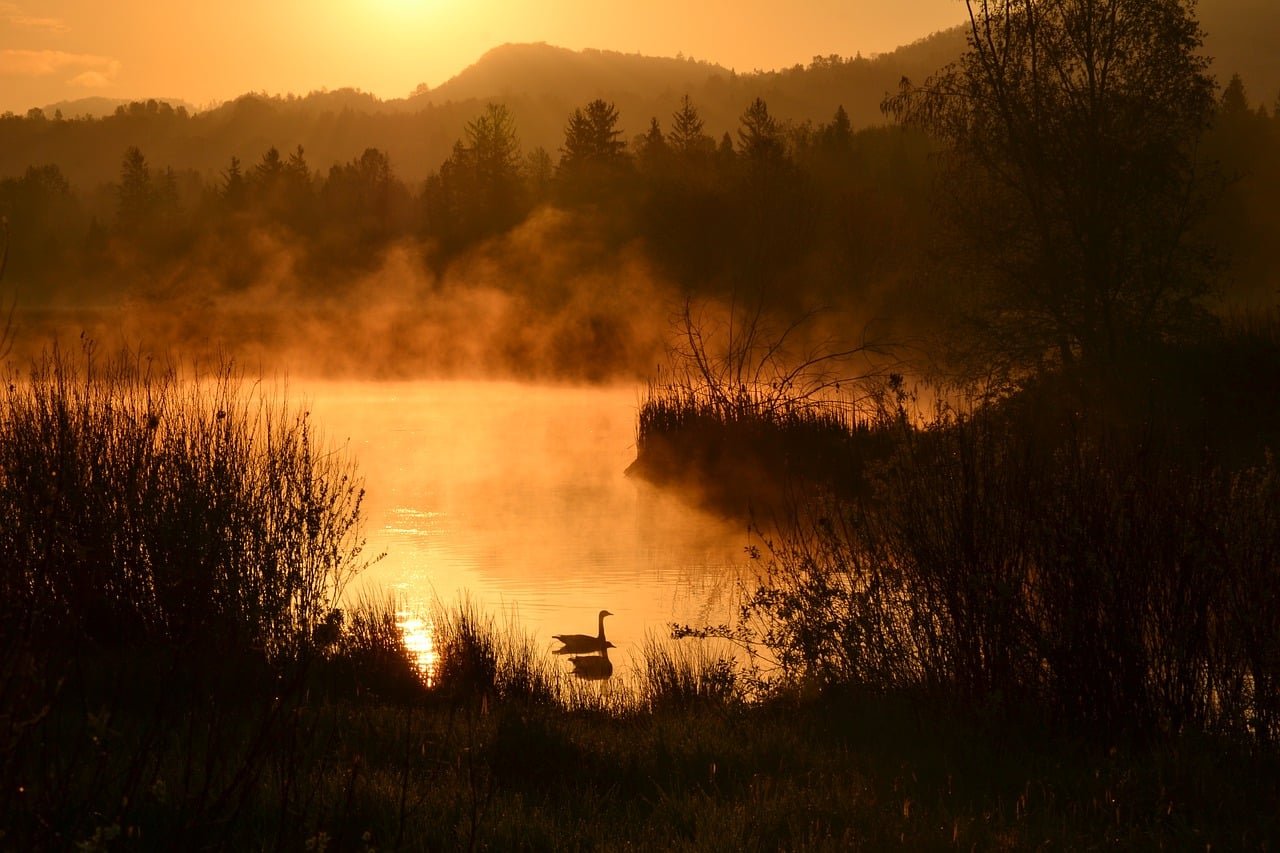
You load a popular pack and get cartoon colours and stutter. The fix is choosing minecraft realistic shaders by listed style, frame cost and game version, then matching the cost tier to your GPU.
Shaders are a type of mod, so the general routine of how to install game mods applies: confirm compatibility first, add the pack second, test third. The sections below sort the packs by style and cost, then match them to hardware.
What “realistic” means in a shader pack
Realism in Minecraft shaders comes from three things: how light behaves, how water reflects, and how shadows soften. Packs do not all pursue it. The shaderLABS shaderpack list tags every pack with a style such as Realistic, Semi Realistic, Path Traced, Fantasy, Cartoon or Vanilla. A famous name does not guarantee a photoreal look. BSL is listed as Cartoon and Complementary Fantasy as Fantasy, so a pack can be popular and still look stylised on purpose.
For a cinematic result, look at what a pack emphasises. Aurelia Realistic Shaders names cinematic lighting as its defining feature, with softer shadows. Its water gains pronounced specular highlights and reflects the sun, the surrounding terrain and the sky. Lavi_bloomz Shaders goes a different way and focuses on soft lighting and performance, which suits players who want a gentle, filmic mood rather than maximum fidelity.

Listed style and FPS cost side by side
Water, shadow and lighting quality are hard to judge from a table, but style, cost and version range are not. The packs below are the ones with a listed realistic or near-realistic style, plus the cheapest and the best-known stylised options for comparison.
| Pack | Listed style | FPS cost | Minecraft versions | Planning use |
|---|---|---|---|---|
| Potato Shaders | Vanilla Potato | Potato | 1.12 – 1.20.1 | Lowest cost label; a vanilla-style lift for very weak GPUs |
| BSL | Cartoon | Low | 1.7.10 – 26.3 | Wide version range and low cost; a safe first install, but stylised rather than photoreal |
| Complementary Fantasy | Fantasy | Low | 1.7.10 – 26.3 | Low cost across old and new game versions |
| Chocapic13 | Semi Realistic | Low | 1.7.2 – 1.20.1 | Realistic-leaning at low cost; not for newer game versions |
| SEUS Renewed | Semi Realistic | Medium | 1.14 | Only worth it if you play that older version |
| Kappa | Realistic | High | 1.16.5 – 1.21.4 | Realistic style for a strong GPU |
| Voyager | Realistic | High | 1.16 – 1.21 | Realistic style for a strong GPU |
| SEUS PTGI | Path Traced | High | 1.18 | Path-traced lighting, limited to its listed version |
| Continuum RT | Realistic/Path Traced | Extreme | 1.14.4 – 1.20.4 | Heaviest tier; for top-end hardware and a willingness to trade frames for looks |
Style labels, cost tiers and version ranges in this table come from the shaderLABS shaderpack list.
Matching packs to your GPU tier
Yes, shaders lower your FPS. Every pack carries a cost, and shaderLABS grades it on a scale that runs from Potato through Low, Medium and High to Extreme. The list gives relative tiers rather than frame rates, so the practical approach is to pick a tier that suits your graphics card and then measure in your own world. These are judgement calls built on that scale, not guarantees.
- Integrated or entry-level graphics: start with Potato Shaders, or a Low-cost pack. Lavi_bloomz Shaders is described as focused on soft lighting and performance, which makes it a natural second candidate on modest hardware.
- Mid-range graphics: Low-cost packs such as Chocapic13 give a semi-realistic look while leaving headroom. Medium is the next step up, but the Medium-rated SEUS Renewed only lists one older game version, so it rarely fits a current install.
- Strong dedicated graphics: the High tier is where Kappa and Voyager sit, both listed as Realistic. SEUS PTGI also sits at High and adds path tracing, but its listed version is narrow.
- Top-end graphics: Continuum RT is the only pack here at Extreme. Choose it when screenshots and cinematic scenes matter more than smooth movement, and expect to lower settings during exploration or building.
A sensible rule is to begin one tier below what you think your card can handle. Moving up a tier later is easy; recovering from an unplayable first impression is more frustrating.
Version and add-on pitfalls
The most common failure is not hardware but a mismatch between pack and game version. The packs in the table above show how much the ranges differ, according to the shaderLABS shaderpack list.
- Realistic does not mean current: Chocapic13 is listed up to 1.20.1, Continuum RT up to 1.20.4, SEUS PTGI at 1.18 and SEUS Renewed at 1.14. BSL and Complementary Fantasy are listed through 26.3, and Kappa through 1.21.4. If you play a recent release, check the upper end of the range before you download anything.
- A Low label is still a cost: Low sits above the Potato label on the same scale. On a weak laptop, even a Low pack can feel heavy, so test before you commit to a long session.
- New releases need a fresh look: Aurelia Realistic Shaders is listed for Minecraft 26.3, which makes it a candidate for players on the newest version who want soft shadows and reflective water.
Realistic packs can also be extended. Euphoria Patches is an add-on mod for Complementary Shaders, covering Reimagined and Unbound. Developed by SpacEagle17, it extends Complementary with added features. The site describes Complementary as a popular shader pack for Minecraft Java Edition. If you like Complementary’s base look but want more options, an add-on is a lighter commitment than switching packs.
Installing and testing a pack
The routine is short, and the order matters. Work through it before you adjust any sliders.
- Check the listing. Note the pack’s supported Minecraft versions and its loader. The shaderLABS table includes Loader and GPUs columns for this purpose.
- Install a shader-capable loader. Use Iris or OptiFine, whichever the pack lists, in a version that supports your game version.
- Download the pack. Take the ZIP from the pack’s own page and leave it zipped.
- Add it in-game. Open the video settings, go to the shaders screen, drop the ZIP into the shaderpacks folder and select the pack.
- Test before tuning. Run the default preset in a world you know well, in daylight and at dusk, and near water. If frame rate suffers, step down a cost tier instead of tweaking many options.
If the pack does not appear, or the game fails to launch with it enabled, compare its listed Minecraft version and loader with your own. That mismatch accounts for most problems, and it is quicker to check than reinstalling anything.
The same compatibility-first habit carries over to other games. If you also play farming sims or life sims, see Best Stardew Valley Mods In 2026: Top Picks To Supercharge Your Farm – Lunacheats for Stardew Valley, and The Ultimate Guide To CC For The Sims 4: Find, Install, And Manage Custom Content Safely (2026) – Lunacheats for custom content in The Sims.
Frequently asked questions
| Question | Answer |
|---|---|
| What are the best realistic shaders for Minecraft? | It depends on your GPU and game version. Kappa and Voyager are listed as Realistic at High cost, Continuum RT is Realistic/Path Traced at Extreme, and Chocapic13 is a Semi Realistic option at Low cost, per the shaderLABS list. |
| Will shaders lower my FPS? | Yes. Every listed pack has an FPS cost tier from Potato to Extreme, so the question is how much. Choose a tier your graphics card can handle and test it in your own world. |
| Can I add features to Complementary Shaders? | Yes. Euphoria Patches, developed by SpacEagle17, is an add-on for Complementary Reimagined and Unbound. |
| Is BSL a realistic shader? | shaderLABS lists BSL with a Cartoon style and a Low FPS cost, so it is better treated as a stylised, low-cost option than a photoreal one. |
Leave a Reply