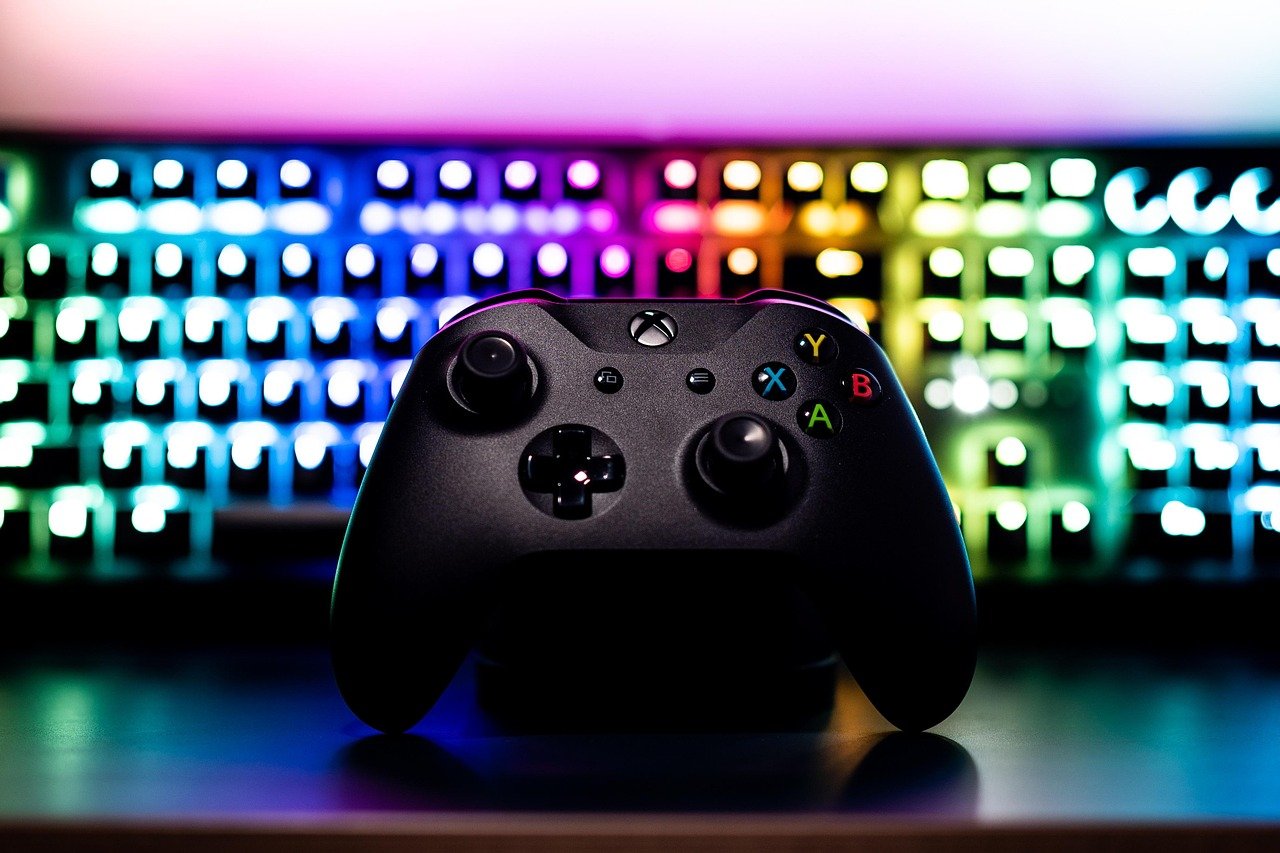
A hall effect xbox controller replaces the worn-contact potentiometer in each stick with a magnet and a magnetic sensor, which removes the wear behind stick drift. Choose one for long-term use, but check Xbox and PC compatibility before buying.
The sections below follow the chain from cause to fix to purchase. For wider hardware choices, such as a best gaming pc build to pair with your pad, the hardware buying guides cover the rest of the setup.
Why potentiometer sticks drift
Stick drift is caused by the wear and tear of potentiometers in traditional analog sticks, as Joybuy’s Xbox controller buying guide explains. A potentiometer reads stick position through a physical contact, and any part that rubs against another part wears with use.
This matters for the decision because drift is a component problem. A pad whose sensing part is wearing out will keep reporting small movements you did not make, however carefully you treat it. Most standard Xbox pads use this older design, so a controller marketed as drift-free needs a different sensing method, not just a firmware tweak.
How a Hall-effect stick reads movement
A Hall-effect controller uses magnets and magnetic sensors, which eliminates physical contact and therefore wear, according to the same Joybuy guide. In practical terms, the signal path works in three stages:
- Magnet moves with the stick. Tilting the stick changes where the magnet sits.
- Sensor reads the change. The magnetic sensor measures that shift without touching the magnet.
- Controller reports position. The controller passes the stick position to the Xbox or PC.
Hall sensing is not limited to sticks. The 8BitDo Ultimate Wired listing advertises Hall Effect joysticks and triggers, and Total Gaming Network’s report on Hyperkin’s The Competitor describes Hall-effect sensors in both the sticks and the triggers. If trigger wear matters to you, look for that wording in the spec rather than assuming it.
What drift-free means in practice
Reviewers at HLPlanet say Hall-effect sticks do not develop stick drift and will last much longer than potentiometer sticks. That is a reviewer’s assessment rather than a warranty, so read it as strong evidence that the wear mechanism is gone, not as a promise about every part of the pad.
The practical reading is simple. Hall sticks suit anyone who plays heavily, streams or plays competitively, because they are the players who wear out potentiometers fastest. Casual players get the same protection but may notice it only years later. Buttons, shells and cables are separate parts, so button type and warranty terms still deserve a look.
Hall-effect Xbox models compared
Prices below are US list prices for wired pads. The right pick depends on whether you value mechanical buttons, an audio jack or the lowest price.
| Model | Price | Buttons and extras | Planning use |
|---|---|---|---|
| 8BitDo Ultimate Wired | $44.99 | Membrane buttons; back buttons | Lowest-cost route with paddles |
| GameSir G7 SE Wired | $44.99 | Membrane buttons; 3.5mm audio jack | Budget pick for wired headsets |
| GameSir G7 HE Wired | $49.99 | Mechanical buttons; 3.5mm audio jack | Step up to mechanical buttons with a headset jack |
| Hyperkin The Competitor | $49.99 (launch reporting, Oct 2025) | Hall-effect sticks and triggers; two programmable back buttons; officially licensed for Xbox, usable on PC | Licensed option with paddles at the same price as the G7 HE |
| GameSir G7 Pro Wired | $79.99 | Mechanical buttons; TMR sticks; audio jack | Premium tier for players who want mechanical buttons and the newer stick type |
Prices and features come from HLPlanet’s Xbox Hall-effect table and Total Gaming Network’s launch report on The Competitor.
- Tight budget: the 8BitDo Ultimate Wired and GameSir G7 SE share a price. Pick the 8BitDo if you want back buttons, and the G7 SE if you plug in a wired headset.
- Mechanical buttons: the G7 HE and The Competitor both sit at the same price. The Competitor adds two programmable back buttons and Xbox licensing, while the G7 HE adds an audio jack.
- Top of the range: the G7 Pro costs noticeably more, so it only makes sense if its mechanical buttons and TMR sticks matter to you.
Latency and build specs
HLPlanet says the GuliKit ES Pro has the lowest latency the reviewer recorded in 2025, and lists it at $29.99 in the same Hall-effect roundup. No millisecond figure comes with that ranking, so treat it as a relative result from one reviewer’s test. Because the roundup covers more than Xbox pads, confirm platform support before ordering it for a console.
For build details, the 8BitDo listing gives the Ultimate Wired controller’s dimensions as 146.7*103.6*61.3mm and its weight as 225g, with a wired USB connection. It works with Xbox Series X, Xbox Series S, Xbox One and Windows 10 and above, and it adds two back buttons. A wired connection also sidesteps battery wear, which suits a pad bought for longevity.
Durability is the strongest argument for Hall sensing. With no contact between magnet and sensor, nothing in the sensing path wears the way a potentiometer does, so longevity is the reason to pay for the technology rather than a latency gain.
Repair and mod options
If your current pad already drifts, you have two routes: buy a new Hall-effect pad or fit new sticks. One retailer lists TMR upgrade sticks at $49.00 for two sticks, but they can only be added to the cart together with a custom Xbox controller order, according to the listing. That makes them a mod for a new custom build, not a loose part to drop into the pad you already own.
DIY swaps do exist in the wider market. HLPlanet notes that the joysticks in original PS5 controllers can be exchanged with a DIY Hall-effect kit, which shows the repair route is real even where Xbox-specific kits are harder to find. Comparing prices, a wired Hall-effect pad at $44.99 undercuts the $49.00 stick set, so for most people a replacement pad is the simpler fix than a mod. Reserve a stick swap for a pad you like for its shell or other features, and only if you are comfortable opening a controller.
If you also own a PlayStation pad that drifts, How To Fix PS4 Stick Drift: Practical Steps That Work (2026) – Lunacheats covers the practical steps for that platform.
Buying checks before you pay
- Spec wording: look for Hall effect sticks named in the listing, and for triggers too if they matter to you, as on the 8BitDo and Hyperkin models above.
- Platform support: the 8BitDo lists Xbox Series X/S, Xbox One and Windows 10 and above, and The Competitor is officially licensed for Xbox. Match the list to the machine you play on.
- Console choice: if you have not yet picked a machine, Xbox Series X vs PS5 Pro: Which Console Wins in 2026? A Practical Comparison – Lunacheats weighs the options before you commit to an Xbox pad.
- Extras you will actually use: paddles, an audio jack and button type shift the price more than the stick technology does among these models.
Frequently asked questions
Can a Hall-effect Xbox controller be used on PC?
Yes. The 8BitDo Ultimate Wired lists Windows 10 and above alongside Xbox Series X/S and Xbox One, and Hyperkin’s The Competitor is officially licensed for Xbox but can be used on PC.
How long is the 8BitDo Ultimate Wired cable?
The listing gives a cable length of 8.2 ft (2.5 m), which is enough to play from a sofa on a wired connection in many rooms.
Were Hall-effect sensors used in controllers before gaming pads?
Yes. HLPlanet notes that they were previously used mainly in high-end joysticks for flight simulators and in industrial joysticks.
Leave a Reply