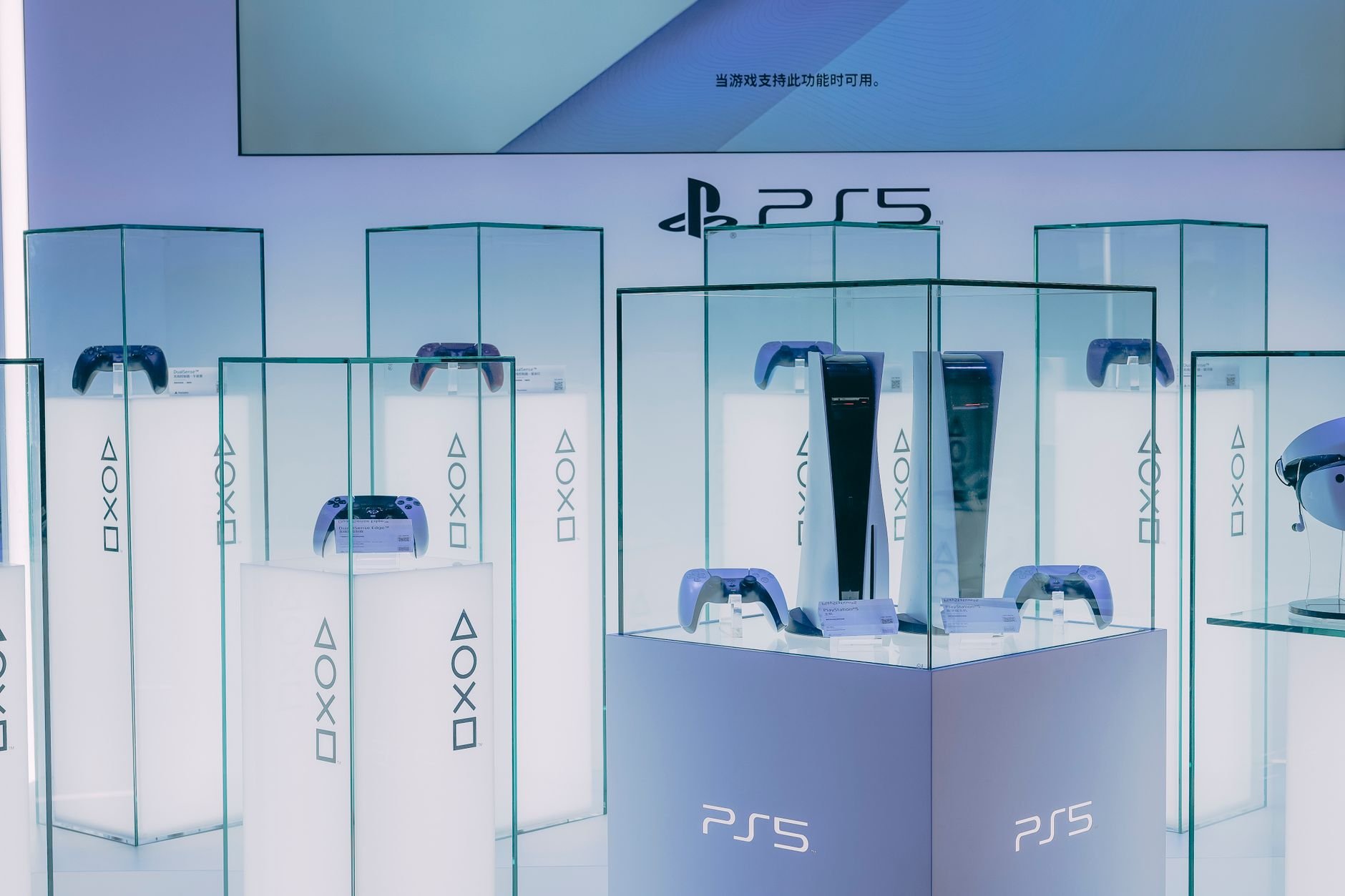
PS5 Slim vs PS5 Pro is mostly a question of which TV you own and which games you play: the Pro earns its extra cost only for players who want higher frame rates or sharper images in games with Pro modes.
For everyone else, the Slim is the sensible buy. If you are also weighing a console against a PC, the best gaming pc build advice in our hardware buying guides is the place to compare.
Hardware: where the Pro actually differs
Both consoles use the same processor family, so the Pro’s advantage sits in the graphics chip. NoobFeed’s comparison notes that both share an AMD Ryzen Zen 2 CPU with eight cores and 16 threads. The Slim caps out at a 3.5 GHz boost clock, while the Pro can push to 3.8 GHz. That is a modest bump, and it matters far less than what happens on the GPU side.
The Pro has 60 compute units against 36 on the Slim. A Headtopics summary of the PS5 lineup reports Sony’s own claims for the Pro: 67% more compute units, 28% faster memory, and ray tracing at two to three times the speed of the original PS5. These are Sony Interactive Entertainment’s capability claims, so read them as what the hardware can do, not as a guaranteed gain in every game.
Smaller upgrades round out the Pro. It gains 2 GB extra RAM reserved for the operating system, which does not translate directly into more memory for games. It also supports Wi-Fi 7, which NoobFeed says noticeably accelerates downloads. That is a convenience for large game downloads, not a gaming performance upgrade.
| Feature | PS5 Slim | PS5 Pro | Planning use |
|---|---|---|---|
| CPU | Zen 2, 8 cores, 16 threads; 3.5 GHz boost | Zen 2, 8 cores, 16 threads; up to 3.8 GHz boost | Not a deciding factor; the processors are close. |
| GPU compute units | 36 | 60 | The main reason to pay more for the Pro. |
| Internal SSD | 1 TB | 2 TB | The Pro suits large libraries; Slim owners can expand later. |
| Extra system RAM | None listed | 2 GB for the OS | A background benefit, not extra game memory. |
| Wi-Fi | Not listed with Wi-Fi 7 | Wi-Fi 7 | Helps downloads only if your network supports it. |
| Size | Disc model: 358 mm high, 216 mm deep, 96 mm wide | Height matches the original PS5; width and thickness match the Slim | Measure your shelf before buying either. |
Figures come from NoobFeed’s Pro vs Slim comparison and the Headtopics lineup summary.
Upscaling: how the Pro turns power into picture quality
The Pro’s headline software feature is PlayStation Spectral Super Resolution, or PSSR upscaling. According to the Headtopics summary, it lets the game engine calculate lower-resolution versions of frames and then upscale them. The game does not have to draw every pixel of a high-resolution image itself, and that is how a game can chase a sharp picture and a smooth frame rate at once.
The best-documented example is Ratchet and Clank. NoobFeed reports that its Performance Pro mode uses PSSR to produce a native 4K image at 60 fps. Under that framing, the TV you own decides how much of this you will see. A 4K set can show the sharper image that PSSR is built to deliver. A lower-resolution screen leaves most of that advantage unused, and in that situation the Slim gives you the same library for less.
Games that run better on PS5 Pro
The gains show up in games that ship a Pro-specific mode, and the documented examples share a pattern: the Pro lifts a mode that the base console runs at 30 fps.
- Final Fantasy VII Rebirth: NoobFeed says the Pro mode elevates the base console’s 30 fps quality setting to a smooth 60 fps.
- Ratchet and Clank: Performance Pro mode uses PSSR to produce a native 4K, 60 fps image.
- Stellar Blade: Pro Quality breaks past 50 fps, while the PS5 Slim runs the same mode at 30 fps.
Notice what these have in common. In each case a player who normally has to choose between a good-looking mode and a smooth mode gets closer to having both. If your most-played games have a Pro mode, the upgrade is easy to justify. If they do not, the Pro offers little over the Slim, because a game without Pro-specific work gains nothing extra from the hardware. Check the individual games you care about before paying more.
The wider picture is less exciting. NoobFeed points out that there were no exclusive new releases at launch, so most titles feel like incremental upgrades rather than a new generation of games.
Size, disc drive and storage
Physically, the Pro is a middle ground between the original PS5 and the Slim, according to Headtopics. NoobFeed adds that its height matches the original PS5 while its width and thickness mirror the Slim. The Slim disc model measures 358 mm high, 216 mm deep and 96 mm wide. Because the Pro is taller than the Slim, check shelf clearance first if you are buying for a tight media unit.
The Slim has a detachable drive design, so the disc drive is a separable part rather than something built in. Storage is the other practical split. The Pro ships with a 2 TB drive against the Slim’s 1 TB solid state drive. A Slim owner who runs short of space does not need to move up to a Pro for room; our guide to Upgrade Your PS5 Storage: A Simple Step-By-Step Guide To Adding An SSD In 2026 – Lunacheats covers adding capacity to the Slim.
Which PlayStation to buy
The Slim is more of a replacement than an addition to the lineup, so it is the standard current PlayStation for most buyers. NoobFeed also says that for many players the base PS5 remains an excellent value. The Pro sits above it as an option for a specific kind of player, not as the default.
- Buy the Slim if you are new to the PS5, your TV is not a high-end 4K set, or you mainly play games without a Pro mode. You get the same library and can add storage later.
- Buy the Pro if you own a 4K TV, play games that offer Pro modes and want the smoother or sharper option in them, and would use the larger 2 TB drive. It is also the stronger pick if you plan to keep the console for years as more games add Pro modes.
- Wait if you are undecided. With no exclusives at launch, the Pro is not required for anything the Slim cannot play, so there is no penalty for waiting until the games you want have Pro modes.
Console prices change with retailer and bundle, so compare current listings for each model before deciding. Whichever you choose, the choice should follow your screen and your games, not the spec sheet alone.
Frequently asked questions
Does the PS5 Pro include a disc drive?
No. The Pro is a discless console, and if you want a disc drive you have to buy it separately for $80, according to Headtopics. The Slim’s detachable drive design means it handles the drive differently, and the same $80 figure is quoted for buying the drive new.
Is there a reason to upgrade from an original PS5 or a Slim?
Only a narrow one. Headtopics’ view is that there is very little reason to upgrade unless you like squeezing every pixel out of your games. If your favourite titles have Pro modes and your TV can show them, that can be reason enough. Otherwise the upgrade is hard to justify.
Did Pro-enhanced games launch with problems?
Some did. NoobFeed notes that Silent Hill 2 and Jedi Survivor initially suffered graphical glitches on Pro hardware. That is a reason to check how a specific game behaves on the Pro before buying the console for it.
Does the controller differ between the Slim and the Pro?
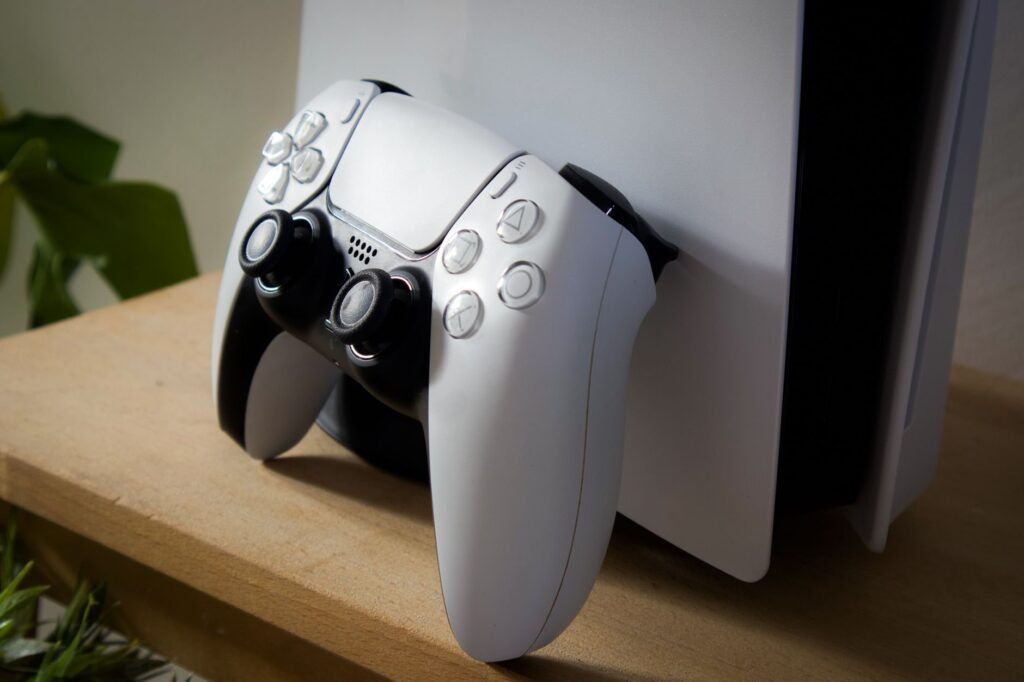
A comparison of the two consoles describes the same immersive DualSense controller experience on the Slim, and the Pro’s headline upgrades concern the GPU, storage, memory and Wi-Fi rather than the controller. So the controller should not drive your choice. If a DualSense stick starts to drift on either console, see Fix PS5 Stick Drift Fast: 7 Proven Fixes To Stop Drifting In 2026 – Lunacheats.
Leave a Reply