

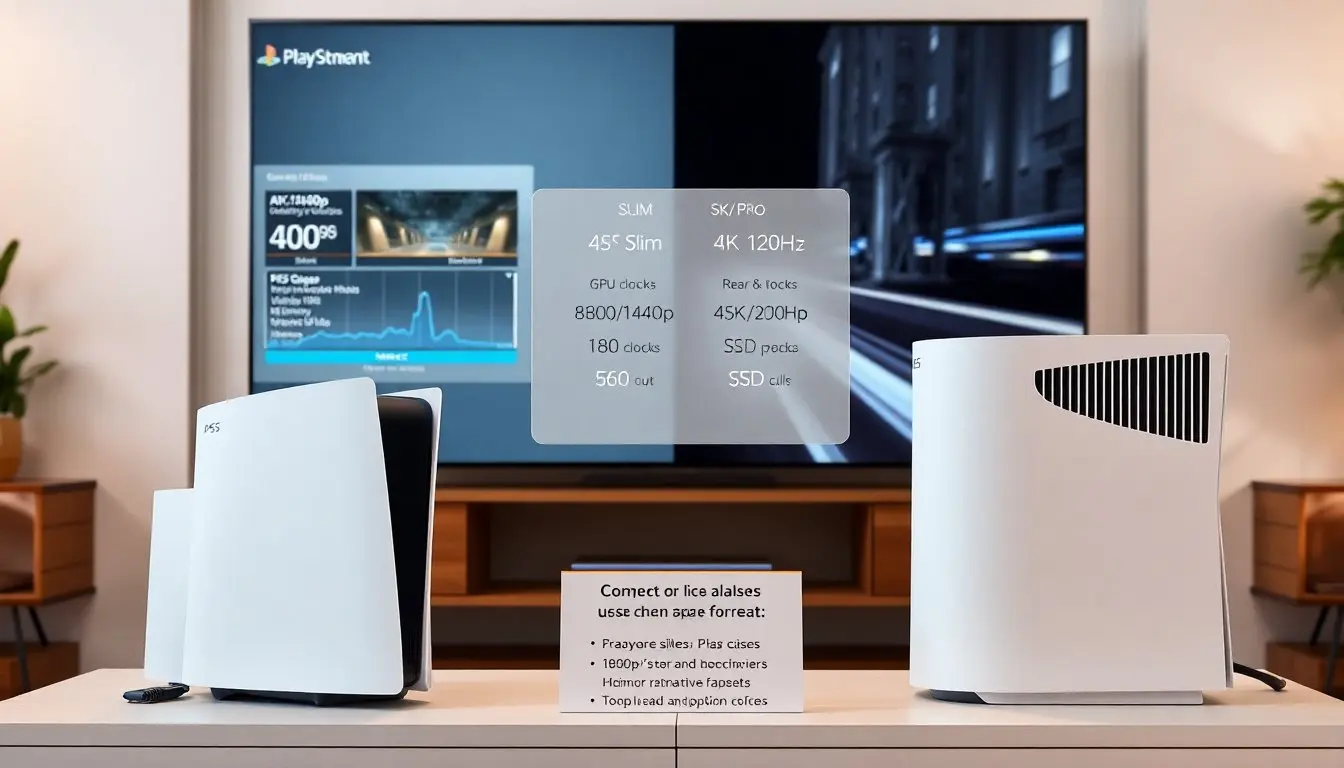
The article compares the PS5 Slim vs PS5 Pro in clear terms. It lists the main differences in design, performance, and value. It helps readers decide which model fits their TV and budget. It uses current 2026 facts and real-world frame-rate examples.
Key Takeaways
- The PS5 Slim offers a smaller size and quieter operation, making it ideal for players with limited space and 1080p or 1440p displays.
- The PS5 Pro provides higher GPU and CPU clocks, delivering better native 4K resolution and steadier frame rates for owners of 4K/120Hz TVs.
- The Slim is more budget-friendly, targeting users who want strong performance without extra cost, while the Pro suits those prioritizing peak visuals and performance.
- Both models support hardware ray tracing and the full PS5 game library, but the Pro includes enhanced upscaling techniques and hardware telemetry for improved game optimization.
- Choosing between the PS5 Slim and PS5 Pro depends on your display setup, noise tolerance, and whether you prefer compact design or maximum performance.
Quick Comparison Snapshot: Key Differences At A Glance
The PS5 Slim vs PS5 Pro debate centers on size, power, and price. The Slim reduces chassis size and improves cooling efficiency. The Pro raises GPU and CPU clocks and adds more memory bandwidth. The Slim targets players who value space and quiet operation. The Pro targets players who need higher native resolution and steadier frame rates. The Slim costs less at launch. The Pro costs more and aims at owners of 4K/120Hz TVs.
Beyond those headline differences, consider practical impacts: the Slim often prioritizes quieter fans and lower idle power use, which matters in shared living rooms or for long play sessions. The Pro’s extra thermal headroom and higher sustained clocks can translate to more consistent frame pacing in demanding titles, especially open-world games and newer releases using advanced lighting techniques. For buyers deciding between the two, the core question is how much your display and tolerance for compromise matter to you — if you already have a 4K/120Hz TV and prefer native resolution where possible, the PS5 Pro is built to exploit that. If your setup is 1080p or 1440p, the Slim typically provides excellent value.
Design, Size, Port Layout, And Noise Levels
The PS5 Slim vs PS5 Pro shows clear physical differences. The Slim measures smaller and fits tighter shelves. The Pro keeps a larger heatsink to cool the faster silicon. The Slim adds an extra USB-C on the front in newer revisions. The Pro offers two rear USB-A ports plus a dedicated optical audio output in some bundles. The Slim runs quieter in low-load tasks. The Pro runs a bit louder under heavy load but stabilizes frame rates more often. The Slim finishes in matte white and black options. The Pro adds a brushed metal accent on limited editions.
Practical design considerations: the Slim’s reduced depth makes it easier to position horizontally in entertainment centers and inside media cabinets where airflow may be partially restricted. That said, the Pro’s larger footprint helps with sustained cooling, which matters if you place the console in a tight enclosure while playing CPU/GPU-intensive games. Port placement also affects setup — the extra front USB-C on the Slim is convenient for charging controllers or connecting external drives temporarily, while the Pro’s additional rear ports and audio options accommodate more permanent AV setups and capture rigs.
Noise levels are situational: under light tasks like media playback or menus the Slim’s fans remain whisper-quiet. Under sustained 4K gaming the Pro’s fans spin faster to maintain higher clocks; in many living-room setups this difference is noticeable but not disruptive. If you’re sensitive to fan noise, look at placement (open shelving, TV stand ventilation) and consider accessories like a low-profile AV cabinet with passive ventilation.
Performance: CPU, GPU, And Real-World Frame Rates
The PS5 Slim vs PS5 Pro shows the biggest gap in performance. The Pro uses a higher-clock GPU and modest CPU uplift. The Slim keeps the same Zen 2 core counts with slight frequency tuning. The Pro delivers higher native resolution in many titles and steadier 60fps or 120fps at 4K. The Slim often targets 1440p or dynamic 4K with frame-rate variability. The Pro reduces frame dips in open-world scenes. The Slim remains a strong choice for players on 1080p or 1440p TVs. The Pro suits players who own high-spec 4K displays and want fewer compromises.
Real-world behavior varies by title and optimization. In fast-paced shooters and racing games where high frame rates are critical, the Pro’s higher sustained clocks help maintain tighter frame pacing, reducing microstutter and smoothing input response. In cinematic, single-player adventures that prioritize resolution and ray-tracing, the Pro more consistently hits native 4K targets or uses higher-quality upscaling with fewer artifacts. On the Slim, many developers default to dynamic resolution scaling to preserve 60fps, which can result in occasional dips on very demanding scenes.
For players focused on competitive multiplayer or 120Hz performance, the display is as important as the console: a PS5 Pro shines when paired with a 4K/120Hz panel and low-latency settings. For casual players or those on monitors that top out at 1440p or 1080p, the Slim’s output is often visually indistinguishable in everyday play while offering quieter operation and lower energy use.
Hardware Breakdown: What’s Upgraded In The Pro Versus Slim
The Pro raises GPU compute units and increases memory bandwidth. The Pro ships with a faster SSD I/O path in some SKUs. The Slim retains the same SSD capacity options but fits a smaller drive bay. The Pro includes improved power delivery and a larger cooling plate. The Slim lowers power draw in idle and light gameplay. The Pro adds hardware telemetry that helps developers optimize performance. The Slim keeps compatibility with the full PS5 library and the same DualSense feature set. The Pro offers optional performance modes that run at higher sustained clocks.
Storage and expandability: both models retain the PS5’s user-expandable SSD slot, but thermals and physical clearance can differ between Slim and Pro—using manufacturer-approved expansion drives and following cooling guidelines remains important. The Pro’s SSD improvements in some variants reduce texture streaming stutters in the most demanding titles; on the Slim, careful selection of an aftermarket NVMe drive with good sustained write performance helps keep load and stream times competitive.
Power and thermals: the Pro’s beefier power delivery supports higher clocks during long sessions, which helps avoid thermal throttling in sustained scenarios. The Slim’s efficiency measures reduce idle watt draw and heat output in light use, making it preferable for media-first households or mixed-use living rooms. Both consoles include similar I/O and controller support, meaning your existing DualSense, camera, and headsets remain compatible.
Visuals And Upscaling: Ray Tracing, Resolution Modes, And DLSS/FSR Alternatives
The PS5 Slim vs PS5 Pro shows differences in how games render. Both models support hardware ray tracing. The Pro pushes higher native resolutions and better temporal stability. The Slim relies more on checkerboard or dynamic scaling to hit targets. The Pro uses improved temporal upscaling and a new AMD FSR variant in 2026 updates. The Slim benefits from the same upscaling tools but with lower quality thresholds. The Pro handles ray-traced reflections and shadows with fewer compromises at 4K. The Slim still delivers strong visuals on 1080p and 1440p displays.
Upscaling quality affects perceived detail: the Pro’s enhanced temporal upscaler generally preserves fine detail better when outputting to 4K displays, and benefits from the platform-level optimizations available to developers. The Slim’s reliance on dynamic rendering techniques is a pragmatic trade-off that preserves smooth gameplay across a wide library of titles. For users who prioritize pristine visuals and have a 4K display, the Pro reduces the need for aggressive dynamic scaling and yields tighter image stability in motion.
Value, Use Cases, And Which One To Buy Based On Your Setup
The PS5 Slim vs PS5 Pro decision depends on display, budget, and use. If a person owns a 4K/120Hz TV and wants the highest stable frame rates, the Pro makes sense even though the price. If a person uses a 1080p or 1440p monitor, the Slim saves money and still plays the full library well. If a person values lower noise and smaller footprint, the Slim fits better in living rooms. If a person streams or captures high-bitrate footage and wants peak visuals, the Pro offers more headroom. Both models support the same accessories and PlayStation Plus services. Buyers should match the console to their screen and budget.
Decision checklist to simplify your choice:
- If you have a 4K/120Hz TV and care about native resolution and frame stability: lean toward the PS5 Pro.
- If you play mostly on 1080p/1440p displays, prioritize quiet operation, or have limited living-room space: lean toward the PS5 Slim.
- If you stream regularly or run capture setups and want the least visual compromise while recording: the Pro’s extra headroom makes capture workflows simpler.
- If budget and energy efficiency are top priorities, and you still want access to the full PS5 catalog: the Slim offers the best value per dollar for those scenarios.
Final recommendation: match the console to your screen first, then weigh noise, space, and budget. For most users with sub-4K displays the PS5 Slim represents the best balance of size, noise, and cost. For owners invested in 4K/120Hz hardware or those who want the smoothest possible experience without frequent visual compromises, the PS5 Pro is the better long-term choice. The right pick depends on your setup and play priorities when comparing PS5 Slim vs PS5 Pro.


