projections = 6474271983, purflix, gmkt, jwow, vidéotron, racetab, phosphours, premscores, belastingdiesnt, tonsley, 7043171900, oltmans, 90732, garasjegulv, dcuniverseonline, 78231, 8445720731, bdubbs, mosites, cloudcme, zocks, binkabu, 23291701, 8134985636, lpotl, 90803, 01980, kaizokuni, kopieeren, 95330, 95307, 71046, 18002902187, cranberrycompote, wmctv, mybrady, 0476767600, wellways, 0969321515, nadjafi, 3618545136, 8556248963, luckyredcasino, apalachee, merinov, 024198090247, 0800810812, 7133322838, 3313158190, bluerithm, callic, sserc, ariavblak, vizioso, 41189, tffauto, 8659469900, 8668518500, beingnets, 5594700016, macisaac, 9514045354, mezmereyes, imputato, 5196425943, reiningue, frogbones, azelas, 3474915137, zuccaros, 19299570, 4102378665, 8664368150, pinkcheery, skitzofrenix, lukasbs, brinksarmored, 72712, 6087417630, 18554734583, 9025664147, geschmackspapillen, usasa, flufeme, 846900, 78723, 8002291462, 18775282330, miovski, aahivm, pyntestein, 9374091590, 90763, 8013256228, 8557658717, stegosauras, 80639, 2512930806, oglethorpe, 36142, 99217, selannes, kariosyte, 0806800079, 18558379006, cillis, utrgv, 89044, cashap, irvington, paintspot, myhondaconnect, chiastic, killermovies, 4128881000, 3372437717, 016212, 97301, ketogenics, pagette, atletha, 92882, 01454665000, 8064124477, vdal, 2022243121, giraffsliper, 8004230567, 4014538383, 21983165, osers, martellago, flarrowporn, 6177325500, pizzaiole, 8774352371, lalalab, 30316, vrcco, 64483, 031000503, 8339014153, slidingbroekje, 132221, pcpatriot, wamplers, 6147636366, 02392681700, tipnetwork, tiliccas, hsgac, flavorikan, 08000778057, hibernica, 3511739998, 84089951, deyoungs, 45429, 55044, octillo, 8005328082, truago, 3459978020, 36867, 124303243, ltlselect, buylensonline, boythrob, 8178548588, hopparknä, 01782970140, 8882450179, robocough, 0508537465, 46804, 92604, platbanken, bulbtronics, 03030635050, fallbrook, arcimoto, 18888447979, instafreshener, 95695, signazon, mrpayday, isurity, 8004591907, 77518, givingyougrace, 75036, 8552376177, hydroxybenzoates, konsilager, 8778809213, 96401, bettersax, amidale, 5045844313, 30294, 98405, 056823, 071201320, 71414, spaceful, 4164806747, dbdcodes, 7042703132, rennco, 2505814253, 8882337021, 9733483845, malignent, 18003470350, coggles, 35000390158, laxkotlett, radbootcamp, bodenseecard, 9169994241, 8663872573, hypesthesia, brundage, jancos, 90813, aperix, moteachingjobs, 9174378788, dentation, gerätespeicher, sickla, pipsticks, trodden, uctap, 3046690014, 7063077725, marylans, starbackpage, lamactil, 3425631992, 1300705750, 48315, 3444964933, focusonthefamily, 8327773384, 18003145524, 4082563305, 3509704902, intriguant, 18002192858, 99152, icharus, 9187700620, calick, 6027675270, 0449904860, 28211, talentreef, catechized, 80925, 8007721213, resistentie, 4342647097, överflödig, 0737494954, nipissing, wonderworks, 8336977328, aquaswap, höboll, 75536468433, 2082168004, reaonate, ortottica, grabien, indyvet, 8339490036, 9563628500, shamattawa, 8555151256, omnifilter, 3516425016, wierks, gtefinancial, 8007540961, 07308, greenenvelope, 4077420000, nacton, sannatorr, ecocolumn, scubadelphia, wsbtv, friseuren, bigcountrynewsconnection, 042423, 4178892815, borked, cerovite, 0290153555, cropsey, 541613, 85284, publicdatacheck, 9562760312, edgeniuty, canndescent, bylinebank, iniettiva, 99387, aacrewportal, gfherald, 03335565520, 3278926225, 3523690181, 6027073494, 3890228757, 8339590215, 8595542488, 33881, 91354, 026007993, comerica, nyseslat, beebuddy, 15239, dispyt, tchatcoco, 3475387841, 97154, 9543793034, medhost, mometrix, 07498, 3362525901, maxtrixkids, hempitecture, reliant, 8333913871, 3467572137, 84861004, 3509729784, 325081403, kjønnsvorter, 8006380461, 541511, 7372951758, sscvx, 82948295, 68516, 8777458562, ameritax, 18006770232, 08691, gidp, 07488, 35756, bankfirstnational, groggs, threadwallet, mineralstoffmangel, totowa, 18664801086, 18882279302, gaasje, nicetodirty, spacecubed, 8002332328, 92264, hersehy, 8882378289, 53891150095, trucklogics, 0771626010, energiekostenmessgerät, wunderbuild, 0772280800, 19431764, 48228, dunolly, 8005361584, dmguild, 8338950318, 3646, shapinsay, 18667465501, oriolea, mechadendrite, 91504800, téléspectateurs, 9033475127, effete, haverthwaite, 9166670600, 85297, travelonly, 8442606539, rmuk, 5127197570, 7135248139, 633123, inconsistently, 34070, 80637, woonlastenverzekering, trienta, 8002189570, 071000013, nitrro, cleaneatz, 3062014377, oreillya, reticolociti, saltfleet, 231381116, 18444946060, 3281349535, mokuleia, cebrus, 7179880023, 08003307000, markiplyer, miljövänligt, 8002822881, massachuseets, 27028, ruardean, moorseville, korvosa, 8647273011, prindables, 847707, 38975, 93922, 1300655505, 8669497162, baantower, 8044452446, 18003047265, selemectin, 07367, 28387, maligned, 3387134, 94590, 01509, 01512, reponieren, vinia, caibx, 38986, ezsniper, 9529772019, 98104, 3889884615, 090476, slingballerinas, 92012, ergate, benaltrismo, 32461

Blog

  • Dispatch Game Episode Release Dates: Complete 2026 Schedule, Region Timing, And How To Never Miss An Episode

    Dispatch Game Episode Release Dates: Complete 2026 Schedule, Region Timing, And How To Never Miss An Episode

    Dispatch game episode release dates are now history: all eight episodes are out. The launch pair arrived on 22 Oct 2025, the finale pair followed on 12 Nov 2025, and the Steam page confirms the full set.

    If you were hoping for a countdown, there is no wait left. Buy the game and play straight through, and use the broader upcoming video game releases coverage to plan what comes next.

    The release schedule in brief

    Dispatch was built as an episodic story with a fixed rollout. According to Warp Zone Gaming, the game consists of eight playable episodes, with two released each week for four consecutive weeks. TechSpot describes the same rollout as running weekly from 22 Oct to 12 Nov 2025.

    Most confusion about the schedule comes from a few assumptions carried over from older episodic games. The table sets each assumption against what the launch plan and the store page actually show.

    Common assumption What the launch plan shows Planning use
    Episodes arrive one at a time with open-ended gaps Episodes came out in pairs on a weekly rhythm, from 22 Oct to 12 Nov 2025 Treat the rollout as a closed four-week event, not an ongoing series
    Some episodes are still upcoming The Steam page reads “All episodes out now!” No alert is needed for further Dispatch episodes
    Each episode can be bought separately Episodes were not sold individually. Players either followed the weekly rollout or waited for the full game Buy once, then choose your own pace
    The dates may slip like other episodic games The developers said all episodes were finished and the schedule was firmly locked The published dates were the real dates

    Figures and quotes in the table come from the Steam store page and TechSpot’s launch coverage.

    Episode dates, drop by drop

    The rollout had three distinct stages. Each is covered below, because the middle weeks are the part most often misremembered.

    Episodes 1 and 2: the launch day pair

    The Steam store lists the release as 22 Oct 2025, and Warp Zone Gaming reports that the first two episodes were scheduled for that day. This was the only point at which two episodes were available at the same time as the full game’s start, so anyone who joined on day one had a head start of a full week on later arrivals.

    The middle weeks: pairs, not singles

    Between the launch pair and the finale, the remaining episodes came out in pairs on the weekly schedule. A common misreading is that each week brought a single episode, which would stretch the rollout well past the finale date. The reported structure of two episodes per week for four consecutive weeks is what makes the finish date line up with the eight-episode total.

    The finale pair

    IGN’s trailer listing states that the final pair of episodes launched on 12 Nov for PlayStation 5 and PC (Steam). That date closed the weekly rollout. After it, the whole story was available at once.

    Region timing and time zones

    The announcements for Dispatch give calendar dates for each drop rather than clock times. Because the rollout is over, the regional question is now mostly historical: nobody has to convert a launch hour to catch an episode live.

    The same habit still helps with any future episodic game, though. Read the release time on your own store page, save it in a calendar app that converts between time zones, and confirm with friends before arranging a shared first playthrough. A date written on one side of the world can land on a different calendar day on the other, so the clock time in your own region is the figure that counts.

    Platforms and stores

    Dispatch launched on PlayStation 5 and PC, and Warp Zone Gaming gives 22 Oct as the launch day for both. The platform picture differs from store to store, so each is covered separately.

    Steam

    The Steam page lists AdHoc Studio as both developer and publisher. It also lists Steam Achievements, Steam Cloud and Family Sharing, and the game is single-player. A demo is available, which suits anyone unsure about the style before buying the full season.

    PlayStation Store

    PS5 players got the same launch date as PC, and the final pair of episodes arrived on PlayStation 5 on 12 Nov alongside Steam. If you follow console subscriptions closely, the monthly picture in November PS Plus Games 2026: The Complete Lineup & What To Play This Month – Lunacheats is worth checking alongside the store page, since both compete for the same play time.

    Xbox

    Xbox follows its own track. IGN’s listing includes an Xbox release window trailer from the Xbox Partner Preview Showcase 2026, and the launch dates in this guide apply to PS5 and PC. Check the Xbox store directly for a date rather than assuming it matches the others.

    Why release dates change, and why these did not

    The usual reason episodic games slip is that episodes are still being built while earlier ones ship. Dispatch avoided that setup. TechSpot quotes the developers saying all episodes were already finished and the release schedule was firmly locked, and describes the fixed timeline as removing one of the biggest frustrations of past episodic games.

    A year-view calendar on a tablet beside a keyboard shows how a staged rollout can be mapped against a whole month at a glance.

    The studio’s background explains why that pitch matters. AdHoc Studio was founded by veterans of Telltale Games, Ubisoft and Night School Studio, so the team knows how open-ended episode gaps feel to players.

    A circled date on a paper calendar is the simplest way to mark a drop day; the weekday abbreviations beside each date show how a weekly rhythm repeats.
    • Finished before launch: with every episode complete, the rollout was a publishing calendar rather than a development deadline, which is why the schedule held.
    • Store pages over rumours: if a store listing or developer announcement ever revises a date for another game, trust that over reposts, and re-read the store page before planning around it.
    • No stagger for the full game: because episodes were not sold individually, players who skipped the weekly pace simply waited and bought the finished set.

    Alerts and what to read next

    For Dispatch, no alert is needed, since every episode is available. The habits below still apply to the next episodic or staged release you care about.

    • Store page first: follow or wishlist the title on the store you will buy from, so the store’s own notices reach you before social posts do.
    • Calendar entry: add each drop to a calendar app with time zone conversion on, and keep the store’s stated time in the entry notes.
    • Developer channels: official announcements are where changes appear first, so follow the studio rather than aggregator accounts.

    For PlayStation-specific launches and showcase announcements, our playstation news coverage is the natural next stop.

    Frequently asked questions

    Question Answer
    Are all Dispatch episodes out now? Yes. The Steam store page states that all episodes are out, and the game consists of eight playable episodes.
    When did the first and last episodes release? The launch pair arrived on 22 Oct 2025, and the finale pair arrived on 12 Nov 2025 for PS5 and PC (Steam).
    Can I buy a single episode? No. Episodes were not sold individually, so the choice was between following the weekly rollout and waiting to play the finished game.
    What did the season cost at launch? The full season was $30. The Deluxe Version cost more and included a digital artbook and digital comics, according to Warp Zone Gaming.
  • Minecraft BSL Shaders: How To Get Gorgeous Lighting, Realistic Water, And Smooth Performance In 2026

    Minecraft BSL Shaders: How To Get Gorgeous Lighting, Realistic Water, And Smooth Performance In 2026

    Decision What is supported Planning use
    Edition BSL is a Java Edition shaderpack; Bedrock is not supported Java players can use it. Bedrock players cannot.
    Loader Iris and OptiFine are the listed platforms; Iris is recommended on modern Java, OptiFine suits the classic install path Choose Iris for a current setup. Choose OptiFine only if you prefer the classic route.
    Version Current release is 10.1.8; downloads cover Java 26.3 down to 1.7.10 Confirm your game version sits inside that range before you download.
    Performance Mid-weight shader; lower shadow resolution and disable expensive volumetric options if framerate dips Tune shadows first, before touching anything else.
    Hardware Lower presets on integrated GPUs; higher shadows and volumetric settings on dedicated cards Pick the starting preset by GPU type, not by guesswork.

    Figures come from the BSL listing on Modrinth and the CraftMC BSL page.

    Minecraft BSL shaders are a Java Edition shaderpack that adds realistic lighting, shadows, water and bloom through Iris or OptiFine. They are mid-weight, so expect to tune shadows on weaker GPUs.

    If you are new to add-ons in general, the hub explains how to install game mods before you add a shader loader. The sections below cover what BSL changes, which loader to pick, how to install it and how to set it up for your PC.

    What BSL changes on screen

    BSL rewrites how the game handles light, so the biggest change is to every scene rather than to a single block. A BSL description on TLauncher says the pack completely changes the format of lighting and shadows to create the impression of a realistic picture. Its Modrinth page describes the look as bright, colorful and distinct, and tags it for bloom, colored lighting, reflections and shadows.

    Those effects matter in different ways depending on how you play:

    • Lighting and shadows. Torches, lanterns and the sun all behave differently once the pack is active. Builders who care about interiors and night scenes see the largest gain here, and shadows are also the main cost to your framerate.
    • Water, clouds and reflections. These effects are adjustable rather than fixed. If you build on coasts or lakes, you can keep the water effect and trim other features. If you rarely look at water, it is the first place to economise.
    • Post effects. Motion blur, anti-aliasing and bloom are all configurable. Bloom gives BSL its cinematic glow, so leave it on if that look is why you chose the pack.
    • Colour character. According to CraftMC, BSL suits players who want punchy colors and cinematic bloom without jumping straight to ultra path-traced packs.

    That last point is the practical reason to choose BSL over a heavier pack: it gives a strong visual upgrade at mid-weight cost. It also has a long track record, with a distinct style that other packs have built on, which the comparison section below covers.

    Choosing Iris, OptiFine or Sodium

    BSL lists Iris and OptiFine as its platforms, and neither is built into the game, so you need one of them before the pack appears in any menu. CraftMC recommends Iris on modern Java and describes OptiFine as the classic install path. On that basis, new installs are better off with Iris, while OptiFine fits players who already run it and do not want to change their setup.

    • Iris with Sodium on Fabric. CraftMC notes that Iris plus Sodium is usually better on modern Fabric or Quilt. Sodium is the companion mod in that pairing, and Fabric is the loader that hosts both. This is the route to take if you are building a modern, mod-friendly profile.
    • OptiFine. Choose it if it is already installed and working. It gives you the same BSL pack through the classic path, so you do not need to change anything about the shader file itself.

    If you have not set up Fabric yet, a walkthrough on how to install minecraft mods covers the loader before you add Iris and Sodium.

    Installing BSL step by step

    The pack file is the same on both platforms, so only the loader setup differs. Download BSL from its official Modrinth or CurseForge listing, and pick the file that matches your Minecraft Java Edition version.

    Iris with Fabric and Sodium

    1. Install Fabric for your Minecraft version and launch the game once to create the profile.
    2. Add Iris and Sodium to the Fabric mods folder, using builds for the same Minecraft version.
    3. Place the BSL .zip in the shaderpacks folder. Do not unzip it.
    4. Open the shader selection screen, choose BSL and click Done.

    OptiFine

    Install OptiFine first, then follow the same last two steps as above: the .zip goes into shaderpacks as it is, you select BSL, and you click Done. The CraftMC instructions treat both loaders this way, which is why a single download works on either one.

    A partly visible Tools label and wrench icon sit above the Settings option.

    For a different example of finding, installing and managing community content, see The Best Sims 4 Traits CC: How To Find, Install, And Use Custom Traits In 2026 – Lunacheats.

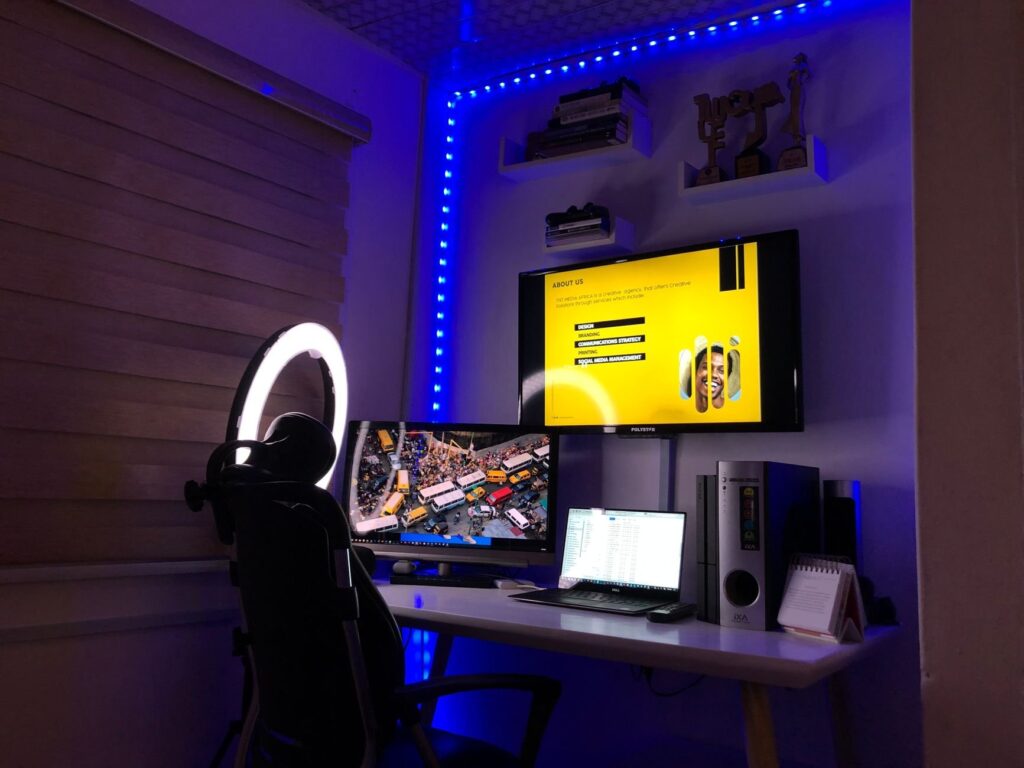
    A ring light stands beside the chair, and one monitor shows a colorful game-style image.

    Version checks before you download

    BSL covers a very wide range of game versions, so check the listing rather than assuming. The Modrinth versions page lists Java Edition from 26.3, 26.2 and 26.1.x through the 1.21.x line, all the way down to 1.7.10. CraftMC gives the current release as 10.1.8 and says the official Modrinth and CurseForge downloads span 26.3 to 1.7.10.

    The practical result is that most players will find a matching file. Download from the official listings and match the file to your exact game version instead of taking the newest file by default.

    Settings by PC tier

    BSL is described as a mid-weight shader, so the right starting point depends mostly on your GPU. The supported guidance is simple: use lower quality presets on integrated GPUs, and raise shadow and volumetric settings on dedicated cards. Treat the tiers below as starting points and adjust from there.

    • Low-end and integrated graphics. Start from a lower preset. If framerate dips, lower the shadow resolution and disable the expensive volumetric options. Those two changes are the supported first moves and are usually enough to make BSL playable.
    • Mid-range systems. Begin on a standard preset and leave shadows and volumetric effects alone until you see a framerate dip. When you do, apply the same two cuts, shadow resolution first. Keep bloom and water effects, since they carry much of the look.
    • High-end dedicated cards. Raise shadows and volumetric settings, since a dedicated card has the headroom. This is where reflections, clouds and bloom can all stay switched on together.

    Higher shadow and volumetric values are a ceiling for strong hardware, not a target for everyone. If a setting costs you smooth play, the better choice is to step it down and keep the features you notice most.

    When BSL does not load

    If the pack never appears or the game stops working after you add it, the cause is usually one of a few setup mistakes. Check them in this order:

    • Zip state. The file must stay zipped inside shaderpacks. An unzipped folder is the most common reason the pack does not show.
    • Platform. BSL needs Iris or OptiFine as its platform. Without one installed and active, the shader list has nothing to load it with.
    • Version range. Your game version must be inside the listed range. After a Minecraft update, return to the listing and download the file that matches the new version.
    • Edition. A Bedrock install will never accept the pack, however the file is placed.

    Once BSL loads but runs slowly, the problem is no longer installation. Go back to the tier settings above and cut shadows first.

    BSL compared with other packs

    BSL has a long lineage in the shader scene. CraftMC notes that Complementary started as a BSL edit, while BSL itself remains a top pick for the classic vibrant look. If you like the BSL style but want a different balance, a derived pack is the natural next step. If you prefer a vibrant, bloom-heavy look at a moderate cost, BSL is the better fit than jumping straight to a path-traced pack.

    Frequently asked questions

    Do BSL shaders work on Bedrock?

    No. BSL is a Java Edition shaderpack, and CraftMC states it plainly: Bedrock is not supported.

    How popular is BSL?

    The Modrinth listing shows 31.9M downloads and 6.3K followers, which makes it one of the most widely used shader projects there.

    Should I download an older BSL file such as 7.2?

    Only if your game matches it. The 7.2 file on Modrinth is tagged for Minecraft Java Edition 1.16.5 and lists Iris and OptiFine as platforms. For other versions, use the file matching your game from the current listing.

  • Master Fallout 4 Console Commands: Quick Guide To Cheats, Fixes, And Mods (2026)

    Master Fallout 4 Console Commands: Quick Guide To Cheats, Fixes, And Mods (2026)

    how to use console commands fallout 4 is a practical skill for PC players. This guide states clear steps and examples. It shows basic syntax, common commands, and safety tips. The text keeps sentences short and direct. The reader will get usable commands and quick fixes. Wherever possible the guide explains what a command does, how to test it safely, and how to undo changes if needed so you can learn how to use console commands fallout 4 without bricking a playthrough.

    Key Takeaways

    • To use console commands in Fallout 4, open the console with the tilde (~) key on PC and type commands followed by pressing Enter.
    • Start with basic commands like tgm for god mode or player.additem to spawn items, testing them first in a safe area to avoid issues.
    • Console commands can affect players, NPCs, and the game world, enabling actions such as teleportation or setting global variables with set.
    • Advanced commands and mods add deeper control, but always back up your save files and keep notes to maintain game stability.
    • Understanding command syntax, including when to use object IDs and proper spacing, is essential for successfully using console commands in Fallout 4.

    Understanding Fallout 4 Console Basics

    The console offers direct control of the game. Players type commands to change values, spawn items, or move characters. The console runs on the game engine and accepts specific IDs and keywords. Some commands accept text strings that must be wrapped in quotes; others require numeric values or object IDs. Knowing whether a command targets an actor, an item, or a global variable is key to avoiding unexpected results.

    Basic workflow: open the console, click a target (to get a reference ID for that specific instance), or type a command that acts on the player or on global data. After entering a command press Enter; most commands take effect immediately. Always save before experimenting and test commands in a low-risk area of your save. Repeating the phrase how to use console commands fallout 4 throughout your testing notes makes it easier to search your notes later for what you tried.

    Common pitfalls include mistyping IDs, forgetting required arguments, and using commands that permanently alter leveled lists or quest states. Many commands are reversible (for example, an additem can be fixed with a removeitem), but some commands that change quest stages or leveled lists can have long-term consequences. Practice with harmless commands first to get comfortable with syntax and feedback messages shown in the console window.

    How To Open The Console And Enter Commands (PC, Controllers, And Syntax)

    On PC, the player opens the console with the tilde key (~) or grave key. The player presses the key once to open and once to close. Console text accepts single commands per line. The player types commands, then presses Enter. Controller input does not open the console by default. Mods can add controller support or alternate input methods, but by default only keyboard input will bring up the console.

    Syntax matters: write the command, add a space, add a value or an ID when required. Use the help command to find commands and IDs: type help keyword 0 to list related items and forms. To target a specific in-world object first click it with the console open — that will display a reference ID and allow you to run commands that act on that reference. If a command name contains spaces or requires a string argument, wrap the string in quotes.

    Examples of safe testing steps for new users: open the console, type a benign command such as tcl to toggle collision (and toggle it back), then save and reload. To spawn items or set a value, practice on a temporary save: create a fresh quicksave, run the command, confirm results, then either load the quicksave if something went wrong or keep the changed save if it succeeded. Following this routine will teach you how to use console commands fallout 4 without risking your main playthrough.

    Core Commands For Players, NPCs, And The World

    Some commands affect the player only. Some commands affect NPCs or the world state. Typical player-facing commands include toggles and actor-value edits. For example, tgm toggles god mode, tcl toggles collision/no-clip, and player.setlevel or player.forceav change level and attributes respectively. Use these commands sparingly and test them on a throwaway save to understand the consequences.

    Inventory and items: player.additem <formID> <count> will add items to the player inventory; the complementary player.removeitem <formID> <count> removes them. If you need a specific item or actor ID, use help <name> 0 and then reference the resulting form ID, or click the item in the world to capture its reference. Avoid relying on numerical IDs from unverified sources; confirm IDs with the help command or by clicking.

    NPCs and world state: moveto and player.moveto move NPCs or the player between references. Use setstage <questID> <stageNumber> to advance or rollback quest stages, but be careful—changing quest stages can create inconsistent states. To change global settings, use set <globalVariable> <value>. For quick debugging you can use coc <cellName> to teleport to another cell, then test behavior there before returning.

    Always verify the exact command spelled and its expected arguments in the console help. Many commands will output a short confirmation or error message; use that feedback to adjust your next steps. These core examples show how to use console commands fallout 4 for everyday fixes, testing, and temporary experimentation.

    Advanced Commands, Mods, Safety Tips, And Best Practices

    Advanced commands allow detailed edits. Use player.forceav <actorValue> <value> to change specific stats, and modav to modify rather than set base values. You can edit leveled lists and test economic changes with additem/removeitem on specific references, but these edits may have ripple effects on vendor inventories and loot tables. Advanced users commonly combine console edits with mod tools to achieve complex results.

    Mods can extend console usability. Some community mods add better UI for command entry, controller support, or searchable ID databases in-game. When using mods that expose new console features, maintain version notes and track which saves used which mods to avoid losing compatibility. If you remove a mod that added content referenced by your console edits, that can lead to missing objects or crashes.

    Safety tips and best practices: always make a manual save before running unfamiliar commands and maintain a separate “experimental” save slot. Keep concise notes in a plain text file about which commands you ran and when; searching for the phrase how to use console commands fallout 4 in those notes helps you retrace steps. If a command produces unwanted results, attempt the inverse command (for example, removeitem after additem) or reload the pre-edit save. For major changes, make multiple backup saves in sequence so you can return to a point before a problem occurred.

    Lastly, treat console commands as a tool for debugging and small-scale adjustments rather than a substitute for gameplay. Used carefully, they unlock powerful fixes and creative adjustments; used carelessly, they can corrupt progress. Practice on secondary saves, keep records, and you will learn how to use console commands fallout 4 confidently and safely.

  • GTA San Andreas On PS5: The Best Cheat Codes, How To Use Them, And Safety Tips (2026)

    GTA San Andreas On PS5: The Best Cheat Codes, How To Use Them, And Safety Tips (2026)

    Topic Supported detail Planning use
    Weapon Set 1 input R1, R2, L1, R2, Left, Down, Right, Up, Left, Down, Right, Up Use the D-pad for every direction press, not an analog stick, and enter the full sequence in one go.
    Trophies Using cheats permanently disables Trophies on the current save file on the PS5, PS4 and PS3 versions Decide before the first code whether a save is for trophies or for experimenting.
    Removed cheats Infinite Health, Never Hungry, Adrenaline Mode, Invisible Cars, Free Aim in Cars, Cars Float Away, Always Midnight Do not plan a session around these effects on PS5; older code lists still show them.
    Edition covered The 2021 Definitive Edition collection, not the PS2, PS3 or 2015 PS4 versions Check which edition a code list was written for before you trust an input.
    Backup habit Save the game before using cheats and keep a clean save to return to Make the backup first, because some cheat effects cannot be undone.

    Inputs and entry rules above come from the Vandal PlayStation cheat reference, while the trophy, removal and save advice comes from GTABase.

    The cheat codes for GTA San Andreas PS5 are button sequences entered during live play, but the Definitive Edition dropped some classic codes, and any cheat permanently disables Trophies on that save file.

    Cheats are only one part of a broader library of video game cheat codes and guides, but San Andreas on PS5 has more version-specific traps than most. The sections below start with the consequences, because they decide whether you should enter a code at all, and then cover the entry method.

    Trophies and saves: the decision to make first

    Cheats and trophies do not coexist in San Andreas on PlayStation. GTABase states that using cheats on the PS5, PS4 and PS3 versions permanently disables Trophies on the current save file. GameRant goes further in its wording, saying cheat codes make it impossible for players to unlock trophies. The Vandal reference describes the effect as trophy progress being disabled on the affected save or play session. The three descriptions differ in scope, so the safe assumption is the strictest one: once a code is entered, treat that save as closed to trophies.

    That turns the question “should I use a cheat?” into a question about which save you are willing to sacrifice. Who should do what depends on your goal:

    • Trophy hunters: keep cheats away from your trophy save entirely. A single code is enough to end trophy eligibility on that file, so the convenience is rarely worth it.
    • Story players who want an easier ride: accept the trade and use cheats freely, but do it on a save you no longer plan to use for trophies.
    • Curious experimenters: save before you start. GTABase advises saving the game before using cheats and keeping a clean save to return to, which gives you a way back if an effect misbehaves.

    The clean-save rule matters more than it sounds, because the cheat effects themselves are not always reversible. That is covered in the weapons and vehicles section below, after a look at what the PS5 version actually allows.

    Which cheats are unavailable on PS5

    The PS5 version of San Andreas is the 2021 Definitive Edition, part of the GTA Trilogy collection. GameRant lists its release date as November 11, 2021, with Grove Street Games and Rockstar Games as developers and Rockstar Games as publisher. The Vandal guide applies only to that Definitive Edition collection, so it does not describe the PS2, PS3 or 2015 PS4 releases.

    Illustrative stock photo of a car on an autumn road, not game footage. It stands in for the vehicle effects that changed or disappeared in the Definitive Edition.

    This matters because the Definitive Edition does not carry over every old code. GTABase reports that, due to engine incompatibility and technical reasons, some cheat codes were removed. The codes it names as gone from the PS5 and PS4 Definitive Edition are:

    • Player-state cheats: Infinite Health, Never Hungry and Adrenaline Mode.
    • Vehicle cheats: Invisible Cars, Free Aim in Cars and Cars Float Away.
    • World cheat: Always Midnight.

    GameRant makes the same general point from the other direction, noting that some GTA San Andreas cheat codes for PlayStation will not work with the Definitive Edition. In practice, that means an input copied from an older PlayStation list can be entered perfectly and still do nothing. Before you retry a code several times, check it against the removed list above, because the fault may lie with the code rather than your timing.

    If you are working from a very long list, expect it to include entries that do not apply here. IGN describes its PlayStation page as having nearly 100 cheats and secrets, and it has an updated list for the Definitive Edition release, which is the one that fits PS5 players.

    Weapons, vehicles and world modifiers

    Weapon cheats are the safest category to start with, because the input is long but the effect is easy to recognise. The PS5 entry for Weapon Set 1 is R1, R2, L1, R2, Left, Down, Right, Up, Left, Down, Right, Up, as listed by Vandal. The length is the main obstacle. The sequence has to be entered exactly, so practise the rhythm in a quiet moment rather than while under fire.

    Vehicles are the area where the Definitive Edition changed most. Three of the removed codes, Invisible Cars, Free Aim in Cars and Cars Float Away, are vehicle effects, so anyone expecting those old gags on PS5 will not find them. If your plan for a session depends on one of them, change the plan rather than hunting for a working input.

    World modifiers need the most caution. The Vandal reference warns that some world modifiers can be switched off by entering the sequence again, but others accumulate or cannot be reversed safely. The practical consequences are clear:

    • Toggle-style effects: these are low risk, because re-entering the same sequence turns them off.
    • Stacking effects: entering the code again makes the effect stronger rather than switching it off, so avoid repeating one casually.
    • Irreversible effects: these are the reason to keep a clean save. Only reloading that save will undo them.

    Since the trophy penalty is already permanent for the save you cheat on, a save that also carries an irreversible world change has little value left, which is another reason to keep your cheating on a dedicated file.

    Entering a cheat on PS5

    Entry is a timing task rather than a menu task. IGN says the button commands need to be entered perfectly and rather quickly, and that a code that is not entered correctly has to be re-entered. Vandal adds the input detail that matters on DualSense: use the D-pad for Up, Down, Left and Right rather than either analog stick, and enter the sequence in normal gameplay.

    1. Save first. Make the clean save described earlier before you enter anything.
    2. Return to normal play. Get your character into ordinary, controllable gameplay rather than a menu or scene.
    3. Use the D-pad. Press directions on the D-pad and the named shoulder or face buttons as listed, in order.
    4. Enter the sequence in one flow. Do not stop partway, because a slow or wrong press means starting again.
    5. Repeat from the beginning if nothing happens. A failed attempt is not partially stored, so run the whole code again.

    Entering codes quickly is easier with a rested grip and a settled hand than with fast, tense pressing. If a long sequence keeps failing, the likelier fault is a mistaken button, such as an analog stick press where the D-pad was needed, not speed alone.

    Using this list alongside other games

    San Andreas on PS5 rewards a cautious routine: back up, check the removed list, then enter codes on a throwaway save. The same habit helps elsewhere. Players moving between games on the same console can compare how cheat entry differs in Sims 4 Cheat Codes on PS5: The Ultimate 2026 Guide To Unlocking Cheats – Lunacheats and Master Fallout 4 Console Commands: Quick Guide To Cheats, Fixes, And Mods (2026) – Lunacheats, both of which handle cheats in a different way from San Andreas’s button sequences.

    A white PS5 sits beside a wall-mounted TV with a controller within reach. The Definitive Edition runs on this hardware, and its code list differs from older PlayStation versions.

    Frequently asked questions

    Do I need to pause the game to enter a cheat?

    No. IGN notes that you do not need to pause and can enter cheats during gameplay.

    How can I tell a cheat has worked?

    IGN says a successful cheat shows a pop-up in the top corner of the screen. If no pop-up appears, enter the whole sequence again.

    Can I turn a cheat off again?

    Sometimes. According to Vandal, some world modifiers switch off when you enter the sequence a second time, while others accumulate or cannot be reversed safely. Reload your clean save to undo those.

    How many cheats does San Andreas have?

    IGN describes nearly 100 cheats and secrets, and GTABase lists over 90 cheat codes. The PS5 Definitive Edition offers fewer, because some codes were removed.

  • Xbox Game Pass Day One Games: The Ultimate 2026 Guide To What’s Worth Playing

    Xbox Game Pass Day One Games: The Ultimate 2026 Guide To What’s Worth Playing

    Xbox Game Pass Day One Games give players instant access to new releases on arrival. This guide explains what day one on Game Pass means. It lists top xbox game pass day one games from 2024–2026. It shows how to pick which xbox game pass day one games deserve time. It keeps advice clear and practical.

    Key Takeaways

    • Xbox Game Pass Day One games allow subscribers to play new releases instantly without additional cost, providing great value.
    • Popular Day One games from 2024–2026 include Ironclad City, Driftline Rally, Rift of Echoes, Sentinel Protocol, and Hollow Market, each offering distinct gameplay experiences.
    • Players should check file sizes, platform compatibility, and removal dates before downloading Day One games to avoid surprises and storage issues.
    • Evaluating Day One games involves considering playtime, cost-to-value ratio, reviews, platform features, and potential removal from Game Pass.
    • Using short trial sessions helps players quickly assess if an Xbox Game Pass Day One game fits their preferences, saving time and enhancing satisfaction.
    • Keeping a short watchlist of upcoming Day One releases and prioritizing based on what you actually want to play reduces overwhelm and improves subscription value.

    What “Day One” On Game Pass Means — Benefits, Limitations, And How It Works

    Microsoft adds xbox game pass day one games to the Game Pass catalog the same day the publisher releases them. Subscribers download and play without extra purchase. This process gives players access to major releases early. It lowers the cost to try new games.

    Day one access has clear benefits. Players save money when a new release joins Game Pass. Players avoid waiting for sales or price drops. Players sample games they would not buy at full price. Publishers gain instant exposure and a larger initial audience. For many players, the ability to jump into a big new title on launch day without an additional outlay is the single most compelling reason to keep a Game Pass subscription.

    Day one access has limits. Some xbox game pass day one games leave the catalog after licensing ends. Some titles restrict cloud features in certain regions. Some games require large downloads that stress storage. Gamers should check file sizes and leaving dates before committing time. In addition, not every Day One title receives the same level of post-launch support on Game Pass: DLC, paid expansions, or certain editions may not be included, and microtransaction systems can vary by title.

    How the program works is simple at a high level: a publisher agrees with Microsoft to add a title at launch, Microsoft lists the game under Game Pass, and subscribers download from the Game Pass app. Behind the scenes, agreements govern platform support (console, PC, cloud), included DLC, and how long the game will remain in the catalog. Availability can differ between Game Pass tiers (Console, PC, Ultimate) and between regions, so check the app’s details page to confirm what’s included for your account.

    Practical tips for Day One players: check system requirements and storage before the release day, follow official Xbox channels for accurate announcements, and consider prioritizing titles that support cross-save or cloud play if you switch devices. Also look at the developer’s update cadence and community communication—active support after launch makes a Day One playthrough far smoother.

    Best Recent Day One Games To Play Now (Top Picks From 2024–2026)

    The list below highlights notable xbox game pass day one games from 2024 through 2026. Each pick shows why the game matters and who will enjoy it. These summaries focus on the core appeal and practical considerations for choosing to play each title on Day One.

    1. Ironclad City (2024). Ironclad City blends action and base building. It gives players a steady stream of content and solid combat. Players who like tactical combat and progression will enjoy Ironclad City. It ranks high among xbox game pass day one games for replay value. Consider starting on a lower difficulty to learn base systems, then move into higher difficulty or sandbox modes for endgame progression.
    2. Driftline Rally (2025). Driftline Rally focuses on racing and customization. It offers tight handling and a robust career mode. Players who prefer competitive play will find online events and leaderboards. Driftline Rally stands out among xbox game pass day one games for online polish. If you plan to play multiplayer, check if cross-play is enabled and whether seasons or live events are part of the Day One roadmap.
    3. Rift of Echoes (2025). Rift of Echoes delivers a strong story and layered exploration. It balances open areas with focused narrative beats. Players who value atmosphere and narrative choices will like this title. It earns praise in reviews and among players who follow xbox game pass day one games. Expect a narrative-first experience—if story and mood are your priority, Rift of Echoes is a Day One title to prioritize.
    4. Sentinel Protocol (2026). Sentinel Protocol emphasizes cooperative play and mission variety. It drops frequent content updates after launch. Players who enjoy squad play will appreciate mission design and loot flow. Sentinel Protocol became a go-to pick in the list of xbox game pass day one games. If you prefer grouping with friends, confirm whether cross-platform matchmaking and private lobbies are supported at launch.
    5. Hollow Market (2026). Hollow Market mixes survival and economy systems. It challenges players to balance risk and reward. Players who like systems-driven games will find depth and long-term goals. Hollow Market remains a recommended xbox game pass day one game for patient players. Note that survival/economy titles often evolve significantly post-launch, so follow patch notes to track balance and meta changes.

    Each game on this list joined Game Pass at launch. Players should read platform notes and patch logs. That step ensures they know which version of the game arrives on their device. Also check whether any Day One content is gated behind additional purchases; the Game Pass listing and in-game store pages will show what’s included.

    How To Decide Which Day One Games Are Worth Your Time And Subscription

    A clear method helps evaluate xbox game pass day one games. The method uses time, cost, reviews, and personal taste. Below are practical steps and checklist items to apply before committing playtime.

    Step 1: Check playtime estimates. Reviewers and player reports list average playtime. If a game offers short content and the player expects long value, skip it. If the player wants a short, intense experience, try it. Use estimated hours to prioritize what fits your available free time that week/month.

    Step 2: Compare cost to value. Game Pass reduces upfront cost. The player should weigh how many hours they expect to play. If the player will play many hours, the game likely has high value. If the player will play briefly, the player should favor shorter, high-impact titles among xbox game pass day one games. Also factor in whether future expansions are paid—some games remain enjoyable without buying extra content.

    Step 3: Read quick reviews. Look for consistent praise or common warnings. Reviews reveal technical issues and gameplay strengths. A few bad technical reports can justify waiting for patches. For multiplayer-focused Day One games, look for server stability reports and matchmaking quality soon after launch.

    Step 4: Consider platform and features. Some xbox game pass day one games run best on specific hardware. Check cloud availability if the player lacks a gaming PC or the latest console. Confirm save transfer options if the player wants cross-play continuity. Also verify controller support and accessibility options if those factors matter to you.

    Step 5: Track removal risk. Games sometimes leave Game Pass. If a player plans to replay later, check whether the developer will sell the title after removal. If the player wants permanent access, plan to buy during a sale or before removal. For multiplayer games tied to active communities, leaving the library can mean losing easy access to invested player bases.

    Step 6: Use trial time smartly. Players can try short sessions to test core mechanics. Short tests reveal whether the player enjoys combat, pacing, or tone. This step prevents wasting hours on a game that will not click. For story-driven games, play through the opening hour to assess narrative hooks; for competitive titles, try a few matches to feel the netcode and balance.

    Extra tips: maintain a short “play now” list and a “watchlist” for upcoming Day One games, so you only download what you intend to play. Keep an eye on patch and update notes for performance fixes. If storage is tight, prioritize cloud-enabled games or use external storage where supported. Finally, discuss with friends or online communities to learn whether a Day One title fits your playgroup’s preferences before you invest time.

    Applying this method helps players choose which xbox game pass day one games match their time and taste. The method helps maximize value from the subscription and reduces buyer’s regret.

  • Best Handheld PC Gaming Devices In 2026: Portable Powerhouses For Serious Gamers

    Best Handheld PC Gaming Devices In 2026: Portable Powerhouses For Serious Gamers

    The best handheld pc gaming pick depends on your library: Steam Deck suits Steam players who want long battery life, ROG Ally X suits Windows users who need the biggest battery, and Legion Go suits those who want a large high-refresh screen.

    If you would rather play at a desk than in your hands, our hardware guides cover the best gaming pc build choices. Console players who also record their games may want Best Capture Card for PS5 in 2026: Top Picks, Buyer’s Guide, and Easy Setup – Lunacheats.

    Why the operating system decides your game library

    A handheld gaming PC is still a PC, so the operating system determines which stores, launchers and games you can use. That choice matters more than any single spec, because it sets what you can install on day one. The two main routes are SteamOS and Windows 11.

    SteamOS on Steam Deck

    Steam Deck does not run Windows. According to HotHardware’s handheld buying guide, it uses the Arch Linux-based SteamOS, which relies on the Proton translation layer to run Windows games. In practice, your Windows-only library still works, but it works through translation. If you buy mostly through Steam, that trade is easy to accept. If you depend on one specific title, check how it runs on the Deck before you commit.

    The same guide calls emulation a nearly optimal use case for the Steam Deck, which makes it the natural choice for players who also want to run older console libraries on one device.

    Windows 11 on ROG Ally and GPD

    The ASUS ROG Ally takes the opposite approach. Trusted Reviews notes that Asus chose Windows 11 as its operating system, and that the device is powered by AMD’s Ryzen Z1 Extreme chip. A Windows 11 handheld behaves like any other Windows PC, so you install launchers the usual way instead of depending on a compatibility layer.

    GPD makes the case plainly: every GPD device is a fully open Windows 11 PC that supports Steam, Game Pass and Epic Games. If your library is spread across several stores, or you subscribe to Game Pass, a Windows 11 handheld removes the compatibility question altogether.

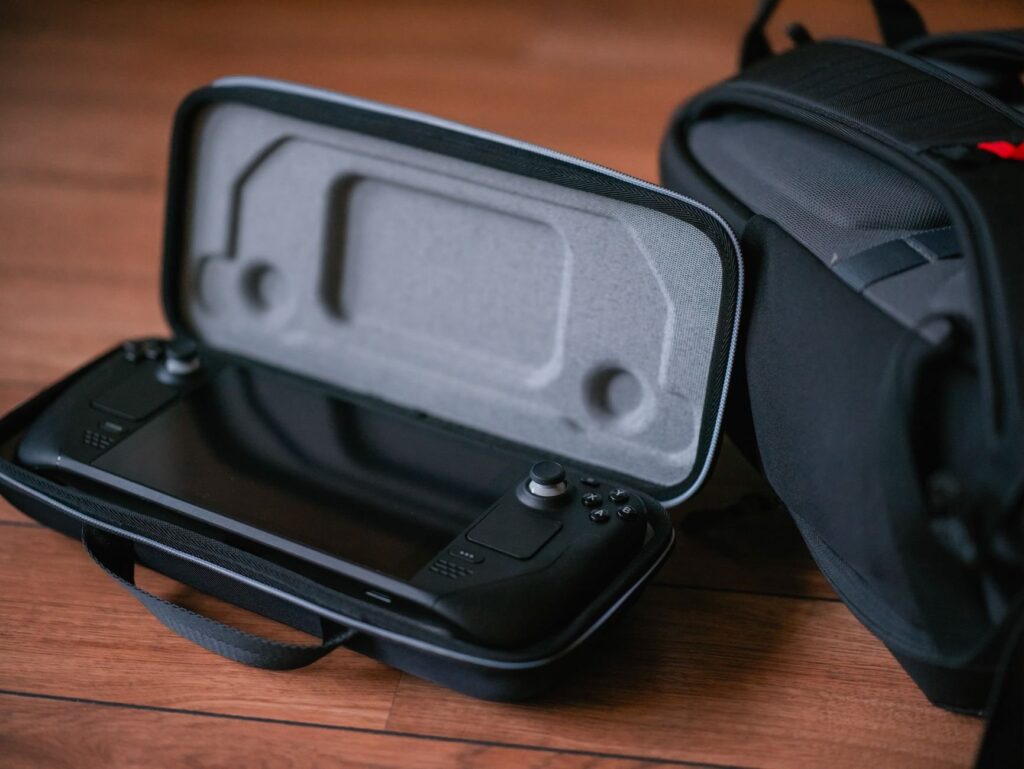
    The case lid is open and its foam interior is visible; the handheld’s screen is off.

    Battery life: capacity, mode and realistic expectations

    Battery life depends mainly on the size of the battery and how hard you push the hardware. The most concrete runtime figure available is for the ROG Ally X, which can run full-tilt in Turbo mode for as long as three hours, according to HotHardware. That describes maximum-performance play, so treat it as a heavy-use scenario rather than a promise for every game.

    The reason the Ally X manages that is its capacity. ASUS doubled the battery from 40 Wh in the original ROG Ally to a full 80 Wh, and the reviewer describes it as the biggest battery in any gaming handheld at the time of writing. Watt-hours are the number to compare across devices, because they tell you how much energy each handheld carries before the chip’s appetite comes into play.

    • ROG Ally X: 80 Wh, the strongest choice if long sessions away from a charger decide your purchase.
    • MSI Claw: a relatively large 55 Wh battery, which puts it between the original Ally and the Ally X on capacity.
    • Steam Deck: HotHardware singles out its relatively long battery life as a key strength, though it gives no hours. Choose it when you want endurance without moving to a Windows device.

    The practical rule is simple. If a handheld will spend most of its life unplugged, shortlist by battery capacity first and screen second. If it will mostly live near a socket, a smaller battery costs you little, and you can weigh screen and library more heavily.

    Screens, weight and chips at a glance

    Screen size and resolution shape how a handheld feels day to day, and the main models differ more here than on paper specs elsewhere.

    Handheld Display Standout trait Planning use
    Steam Deck LCD at 1280×800; OLED version has a 7.4-inch panel Runs SteamOS; relatively long battery life Steam-first players, emulation, long unplugged sessions
    ASUS ROG Ally 7-inch IPS touchscreen, 1920×1080, 120Hz Windows 11 with AMD Ryzen Z1 Extreme Players who want sharper detail and any Windows launcher
    Lenovo Legion Go 8.8-inch QHD, 144Hz, up to 500 nits peak, 97% DCI-P3 Largest screen of the group Players who prioritise a big, bright, colourful display

    Figures come from Trusted Reviews for the Steam Deck and ROG Ally displays, and from HotHardware for the Legion Go panel.

    Trusted Reviews also weighs the devices: the ROG Ally comes in at 608 g, lighter than the 669 g Steam Deck. That difference is small but noticeable over a long session, so it matters most if you play in bed, on a train or on a plane. Meanwhile, the Steam Deck’s LCD is restricted to 1280×800, which the same review treats as a limit against the Ally’s Full HD screen. The larger Legion Go panel buys visual impact, but a bigger display and a lighter device pull in opposite directions, so decide which you will notice more.

    Which handheld suits which kind of player

    No single device wins every category, so the choice follows how you play. These recommendations rest on operating system, battery capacity and display, the attributes best supported by published reviews.

    • Steam library and emulation: Steam Deck. SteamOS with Proton covers Windows games from Steam, and emulation is described as a nearly optimal fit.
    • Windows launchers and Game Pass: ROG Ally, or a GPD handheld if you want an open Windows 11 PC that supports Steam, Game Pass and Epic Games.
    • Longest sessions away from power: ROG Ally X, with its 80 Wh battery, with the Steam Deck as the alternative if you prefer SteamOS.
    • Biggest, brightest display: Lenovo Legion Go, with its 8.8-inch QHD screen and 144Hz refresh rate.
    • Lightest to carry: ROG Ally, at 608 g, ahead of the Steam Deck.

    If your gaming is mostly at a desk, with only occasional travel, a handheld may not be the right primary machine. A best prebuilt gaming pc can serve the home setup while a handheld covers the commute.

    Choosing in order of priority

    Work through the decision in the sequence below, because earlier answers narrow what the later ones need to settle.

    1. Pick your store first. If your games live mainly in Steam, SteamOS devices fit. If you use several launchers, narrow the list to Windows 11 devices.
    2. Set a battery floor. Compare watt-hours, and remember that the quoted three-hour Turbo runtime belongs to the largest battery currently in the group.
    3. Match the screen to your eyes. Sharpness favours the ROG Ally’s Full HD panel, while size and colour favour the Legion Go.
    4. Check the weight. A small gap per device adds up when you hold it for long sessions.

    Whichever you choose, the final judgement is about trade-offs: no handheld in this group gives you the longest battery, the biggest screen and the lowest weight at once.

    Frequently asked questions

    Can a handheld run Game Pass?

    Yes, on a Windows 11 handheld. GPD states that its devices are open Windows 11 PCs that support Steam, Game Pass and Epic Games.

    Does the Lenovo Legion Go support variable refresh rate?

    No. Its 8.8-inch panel runs at 144Hz but lacks VRR support, according to HotHardware.

    Is the original ROG Ally a good choice for battery life?

    No. Trusted Reviews lists poor battery life among its drawbacks. Buyers who care about runtime should look at the ROG Ally X, which doubled the capacity to 80 Wh.

    Which handheld has the longest battery?

    The ROG Ally X has the largest battery in the group at 80 Wh. The Steam Deck is also praised for relatively long battery life, though no hours are given for it.

  • Sims 4 Cheat Codes on PS5: The Ultimate 2026 Guide To Unlocking Cheats

    Sims 4 Cheat Codes on PS5: The Ultimate 2026 Guide To Unlocking Cheats

    Sims 4 cheat codes PS5 do nothing until the console is open: hold L1 + L2 + R1 + R2 in game, type testingcheats true, then enter a code. Some console cheats also disable trophies in that save.

    Failed attempts usually come from a handful of mistaken assumptions about inputs, game modes and trophies. This guide corrects each one, then lists the working codes by category. The wider hub for video game cheat codes links the other console guides on the site.

    Opening the console on PS5

    The console opens from the controller, not from a menu. EA’s cheats page says to hold all four shoulder buttons while in game, and its wording names PlayStation 4 and Xbox One. Radio Times gives the exact PS4 and PS5 version: press and hold L1 + L2 + R1 + R2. On PS5, treat that four-button hold as the input to use.

    1. Stay in game. Load a save so you are in the live game, not on a menu screen.
    2. Hold the four shoulder buttons. Press and hold L1 + L2 + R1 + R2 together to bring up the console.
    3. Enable cheats. Type testingcheats true.
    4. Enter the cheat. Type the code you want, for example one of the money codes below.
    5. Close the console. Press all four shoulder buttons again.

    Typing testingcheats true is the step that enables cheats. EA tells players to enter it and then add whichever cheat they want, and Radio Times describes it as enabling cheats in the world you are in. If a code is ignored in a world where you have not used cheats before, make testingcheats true your first entry before suspecting the code itself.

    Assumptions that make cheats fail

    Each row below pairs a common assumption with the condition that actually applies, so you can check the cause before retyping a code.

    Assumption What applies Planning use
    A code works as soon as it is typed The console must be open (hold all four shoulder buttons in game) and testingcheats true must be entered first. Pressing all four shoulder buttons again closes it. Confirm the console is open and cheats are enabled before blaming a code.
    testingcheats is a one-way switch testingcheats false (or off) disables testing cheats. Switch it off when you want to stop using cheats.
    Any cheat works on any screen Build/Buy cheats require Build mode, and freerealestate must be entered at the world or neighborhood screen. Change to the right mode or screen before typing the code.
    Console cheat lists are fully tested IGN’s PS4 and PS5 list carried a warning that it had yet to be fully tested on those consoles. Try an unfamiliar code in a spare save first.

    These conditions come from EA’s Sims 4 cheats page and IGN’s PS4 and PS5 cheats wiki.

    The most reliable habit is to change one thing at a time: open the console, confirm testingcheats is on, then check the mode. A code typed correctly in the wrong mode looks exactly like a broken code, and the wrong mode is the cause more often than a typo.

    Money cheats

    EA lists three ways to change household funds, and they suit different situations. Funds are counted in Simoleons.

    • rosebud or kaching: EA says either word earns 1,000 Simoleons. This suits a small top-up when a household is just short of a purchase.
    • motherlode: EA says typing it gets you 50,000 Simoleons. This is the quick choice for a large jump, such as before a big build.
    • Money X: replace X with a number and the household funds become that figure exactly. EA’s example is Money 145897, which sets funds to 145,897. Use it when you want a specific total rather than an increase.

    Because Money X sets an exact amount, it is the better choice when you want to start a challenge from a fixed budget. The two word codes add to what the household already has, so they suit open-ended play.

    Real coins and banknotes stand in for household funds here; in game, one motherlode entry adds 50,000 Simoleons.

    Needs, skills, careers and building

    These categories each use a single command, and each has a condition worth knowing before you type it.

    Needs

    EA lists sims.fill_all_commodities, which fills all needs for the active Sim. It affects only the Sim you are currently controlling, so switch to the right household member first rather than expecting the whole household to be refilled.

    Skills

    IGN’s console cheat list gives the syntax stats.set_skill_level [skilltype] [1-10]. Replace the bracketed parts with the skill type and a level from 1 to 10. Setting a level directly suits a Sim you need for a story reason; it bypasses the practice that normally builds a skill, so use it sparingly if progression matters to you.

    Careers

    EA lists careers.promote [career name], which gives the Sim a promotion in the career you name. Enter the career name in place of the bracketed text, and repeat the code if you want further promotions.

    Building and world cheats

    • bb.moveobjects: EA says it removes restrictions on item placement. It is a Build/Buy cheat, so you must be in Build mode to use it.
    • freerealestate: per EA, it makes all homes free and can be turned on or off. Enter it at the world or neighborhood screen, not inside a lot.
    • Resizing objects: EA lists the PlayStation resize input as holding L2+R2 and pressing up or down on the D-pad. IGN warns that its console list has yet to be fully tested on the PS4/PS5, so check this on a spare save before relying on it.

    Trophies and save safety

    Yes, cheats can affect trophies. EA states that enabling some cheats on a console disables Achievements and Trophies on your current game save. EA adds that the testingcheats route does not disable Achievements in your other saves. IGN gives a blunter warning: using cheats disables PlayStation achievements and trophies.

    The practical reading is to treat the save where you enable cheats as lost for trophies. If you want trophies from a household, keep it on a save where you never type testingcheats true, and use a separate save for experiments. Radio Times recommends making a backup save before turning cheats on, which gives you a clean copy to return to.

    More console cheat guides

    Players who use cheats in other PS5 games can compare approaches in GTA 5 Cheat Codes on PS5: The Ultimate 2026 Cheat List And How To Use Them – Lunacheats, and find safety advice for an older title in GTA San Andreas On PS5: The Best Cheat Codes, How To Use Them, And Safety Tips (2026) – Lunacheats.

    Frequently asked questions

    Question Answer
    Is the PC shortcut the same on PS5? No. Radio Times lists Ctrl + Shift + C for PC, while the PS5 console opens with a hold of L1 + L2 + R1 + R2.
    How do I bring up the Interaction Cheats menu? Hold Circle, then press X. Radio Times lists this for PS4 and PS5, and EA gives the same shift-click input for PlayStation 4.
    Can Money X remove funds as well as add them? Yes. IGN says Money X can also be used to subtract funds from your household.
  • November PS Plus Games 2026: The Complete Lineup & What To Play This Month

    November PS Plus Games 2026: The Complete Lineup & What To Play This Month

    The november ps plus games for November 2025 are three Essential titles (Stray, EA Sports WRC 24 and Totally Accurate Battle Simulator), downloadable from November 4 to December 1, plus an Extra and Premium wave unlocking November 18.

    Essential members have the tightest deadline, so start there. Extra and Premium members have a bigger, more varied shelf to browse. For what arrives after this rotation, keep an eye on our upcoming video game releases coverage.

    How the monthly PS Plus lineup works

    Sony reveals one monthly selection per membership level, and each level behaves differently. Sony’s November reveal covered Essential, Extra and Premium members together, so one announcement produced several separate lists.

    PlayStation Plus Essential is the lowest level of Sony’s subscription service. Polygon’s report says Sony Interactive Entertainment announced the Essential games on a Wednesday in October 2025. Essential is the level that carries the monthly free PS4 and PS5 games. Extra and Premium members get a separate batch of games that unlock later in the month.

    The practical result is two decisions. The Essential trio is a short-window grab, so it is the one to act on first. The Extra and Premium games are a menu, so choose by play style and available time, not by who else is playing them.

    November 2025 lineup at a glance

    Membership level Games Available Planning use
    Essential Stray (PS4, PS5); EA Sports WRC 24 (PS5); Totally Accurate Battle Simulator (PS4, PS5) November 4 to December 1, 2025 Claim and download before the December 1 cutoff; this is the only list with a stated end date.
    Extra Grand Theft Auto V, Pacific Drive, Still Wakes the Deep, Insurgency: Sandstorm, Thank Goodness You’re Here!, The Talos Principle 2, Monster Jam Showdown, MotoGP 25 From Tuesday, November 18, 2025, noon local time Pick one or two that fit your taste; a full shelf is more than most players finish in a month.
    Premium Tomb Raider: Anniversary (PS5, PS4) Same November 18 unlock as Extra A classic revisit for players who like older action-adventure games.

    Lineup and Essential dates come from Nacon Gaming’s monthly roundup, and the Extra and Premium list and unlock time come from PlayStation LifeStyle.

    Claim windows and expiry

    Essential players can start downloading on Tuesday, November 4. Polygon reports that the three Essential games stay available for download through December 1, so that is the answer to when they leave. Treat that date as the deadline for adding them to your account, and do not leave it to the final evening.

    Extra and Premium members get their games on Tuesday, November 18, at noon local time, according to PlayStation LifeStyle. That means you can finish an Essential game first and still be ready when the larger wave arrives. If your Essential backlog is already full, the later unlock date costs you nothing.

    The Essential picks and who they suit

    Stray

    Stray is a futuristic dystopian puzzle-platformer-adventure that BlueTwelve Studio released in 2022, per Polygon. It suits players who prefer exploring and solving problems to fast reflex play. It is also the strongest Essential claim for someone new to the subscription, because it works for both PS4 and PS5 owners.

    EA Sports WRC 24

    This is Electronic Arts and Codemasters’ rally racing sim, and in this lineup it is listed for PS5 only. It suits players who want a driving game built around a simulation approach. If you only want casual racing, the Extra list has more arcade-leaning options, covered below.

    Totally Accurate Battle Simulator

    Landfall Games developed this silly, physics-based strategy game, which Polygon describes as playable on PS4 and PS5. It suits players who want a lighter, comedic take on strategy and who may be sharing the console with friends. It is the easiest Essential title to pick up for a short session, since it does not depend on a heavy story.

    Extra and Premium picks by play style

    The Extra list is wide enough that matching a game to your play style matters more than working through it in order. Descriptions below draw on the Nacon Gaming roundup.

    Big open-world action

    Grand Theft Auto V brings spectacular heists, crazy missions and a gigantic open world. It suits players who want a long, sprawling game they can dip into without a fixed plan.

    Survival, horror and puzzles

    • Pacific Drive: a first-person survival game in which your car becomes your best ally against supernatural anomalies. It suits players who enjoy managing resources under pressure.
    • Still Wakes the Deep: horror on a storm-battered oil rig where you are stranded with communications down. It suits players who want atmosphere and tension over combat.
    • The Talos Principle 2: the sequel to an acclaimed thinking game. Choose it if puzzles are your main reason for playing.

    Teamwork and humour

    Insurgency: Sandstorm is a tactical FPS that bets on realism and teamwork, with cooperative and competitive modes. It is the pick for players who have a squad to play with or who want a slower, more deliberate shooter. Thank Goodness You’re Here! sits at the opposite end, with absurd humour and a hand-drawn animated world. It suits anyone wanting a game to laugh at.

    Racing

    Monster Jam Showdown is arcade monster truck racing built around wrecking your rivals in high-octane races. MotoGP 25 closes out the Extra selection with the official 2025 championship, built on Unreal Engine 5. Pick Monster Jam Showdown for quick, forgiving fun and MotoGP 25 for the licensed motorsport experience.

    Stock illustration of a handheld controller, not a PlayStation pad. The lineup’s racing choices range from arcade monster trucks to a licensed motorcycle championship.

    Premium: Tomb Raider: Anniversary

    Tomb Raider: Anniversary is a cult PlayStation 2 title, and it is offered here on PS5 and PS4 with new trophies. It is the Premium-level pick. It suits players who want a classic adventure and trophy hunters who like a fresh list on an older game.

    Claiming and downloading

    Essential members claim their games through the PlayStation Store, where the monthly games sit alongside the store discounts that come with the membership, according to Polygon. Add the games to your account before the cutoff and download them when you have free storage, since large downloads are easier to manage once you have decided which title to play first. Extra and Premium members play their games at noon local time on the November unlock date at no additional cost, so there is no separate purchase step, only a download.

    Membership cost and where to go next

    Polygon reported in October 2025 that Essential costs $79.99 annually, $24.99 for three months, or $9.99 monthly. Essential also includes online multiplayer access, cloud storage and PlayStation Store discounts alongside the free monthly games. A single month at the monthly price is enough to claim the Essential trio, which suits players who only want this lineup.

    If your gaming time is split across consoles, our Switch 2 GameCube Revival: Complete List Of Playable GameCube Titles On Switch 2 (2026 Update) – Lunacheats guide covers what is playable on Nintendo’s newer hardware. For a different kind of release calendar, the Dispatch Game Episode Release Dates: Complete 2026 Schedule, Region Timing, And How To Never Miss An Episode – Lunacheats guide tracks episode timing.

    Frequently asked questions

    Can I play this lineup on a PS4 only?

    Mostly yes. Stray and Totally Accurate Battle Simulator are listed for PS4 and PS5, as are Grand Theft Auto V, Insurgency: Sandstorm, Thank Goodness You’re Here!, Monster Jam Showdown, MotoGP 25 and Tomb Raider: Anniversary, per Nacon Gaming’s roundup. EA Sports WRC 24, Pacific Drive, Still Wakes the Deep and The Talos Principle 2 are listed for PS5.

    When does Red Dead Redemption arrive?

    The same roundup notes that Red Dead Redemption is available on PS5 and PS4 starting December 2, 2025, so it falls outside the November window.

    Do Extra and Premium games unlock everywhere at the same time?

    Not everywhere. The November 18 noon local-time unlock applies to most regions, but PlayStation LifeStyle says Sony has been staggering the Extra and Premium rollout in Australia, Singapore and Mexico, so timing there differs.

  • Best Capture Card for PS5 in 2026: Top Picks, Buyer’s Guide, and Easy Setup

    Best Capture Card for PS5 in 2026: Top Picks, Buyer’s Guide, and Easy Setup

    You plug a PS5 into a PC to stream, then wonder which is the best capture card for PS5. For most live streams a modest card is enough; high-resolution recording and high-refresh passthrough need a more capable, pricier model.

    The right pick depends on three things: what you publish, how your display is connected, and what your PC can accept. Capture also leans on the rest of your hardware, so it helps to read our best gaming pc build advice alongside this guide.

    What streaming actually requires

    The most common misconception is that a PS5 stream needs a 4K capture card. Most live streams go out at 1080p or less, so a card that captures 1080p at 60 fps covers them, according to Gamers Connected’s capture card category notes. Paying for 4K capture only makes sense if you also record finished videos in higher quality.

    Elgato’s capture card guide shows how the entry level works: the Game Capture Neo records and streams at 1080p60 while you play at full resolution with HDR on your display. The same guide describes the 4K S, which captures up to 4K60 with HDR recording, as ideal for YouTube. If you only go live, start at the 1080p60 tier. If you publish edited 4K recordings, step up.

    Capture card comparison at a glance

    These models cover the main steps from simple streaming to high-end recording. Read the capture column as the card’s recording ability, not what your display shows.

    Card Capture ability Connection and requirement Planning use
    Elgato Game Capture Neo 1080p60 record and stream Plug-and-play on Windows, macOS and iPad Streaming-first setups that do not need 4K files
    Elgato HD60 X 1080p60 HDR10 or 4K30 capture External card, needs a fast USB port Streaming with occasional 4K recording at a lower frame rate
    Elgato 4K S Up to 4K60 with HDR recording USB, slower than the 10Gbps link on the 4K X; built-in analog audio input Polished YouTube recording and console party chat
    Elgato 4K X Up to 4K144, HDMI 2.1 10Gbps USB High-refresh gameplay and HDR passthrough
    Elgato 4K Pro Passthrough up to 4K240 and 8K60 HDR Internal PCIe, needs an x4, x8 or x16 slot Desktop PCs with a free slot

    Figures come from Elgato’s capture card guide, except the HD60 X specifications, which come from a retail listing.

    Passthrough is not the same as capture

    A second misconception is that a card which passes 4K to your TV also records 4K. A capture card sits between the console and the display: it passes the picture to the screen and sends a copy to the computer, where OBS Studio or Elgato Studio can record or stream it. Those two paths have separate limits.

    • Capture is what the file gets. The HD60 X listing shows 1080p60 HDR10 or 4K30 capture, while the 4K S captures up to 4K60. A card that only records 1080p60 can still let you play at full resolution, as the Neo does.
    • Passthrough is what you see. Retail listings give the 4K S and the 4K Pro separate passthrough figures, and the 4K Pro is the higher-end option with HDR passthrough. Match this figure to your display, not to your recording goal.
    • High refresh is rare. Gamers Connected notes that cards on its list generally pass 4K60, and only one card passes 4K144 with VRR. Elgato’s 4K X is its card for HDMI 2.1 passthrough, with capture up to 4K144.

    So yes, a capture card works in 4K, but check both numbers. Pick the capture figure for your files and the passthrough figure for your screen.

    USB or PCIe: what your PC must provide

    External USB cards suit laptops and shared desks, while the internal option suits a desktop you do not move. The choice also depends on the host PC, and an underpowered one limits even a good card.

    • USB cards need a fast port. Gamers Connected says external cards on USB 3.0 or USB-C 3.2 need a fast port and a PC that can encode the stream. An old port or a busy machine is the usual bottleneck, not the card.
    • The 4K X leans on bandwidth. Elgato says its 10Gbps USB connection is what enables the higher frame rates compared with the 4K S, so plug it into a port that supports that speed.
    • The 4K Pro is desktop only. It installs in a PCIe slot inside the PC, needs an available x4, x8 or x16 slot, is not portable and does not work with laptops.

    Which card suits which goal

    The best capture card for PS5 is the one whose capture and passthrough limits match your goal, so pick by use rather than by the biggest number.

    • Going live only: choose the Neo or HD60 X. Both cover 1080p60 streaming, which is what most live streams need.
    • Recording HDR video for YouTube: choose the 4K S for up to 4K60 capture. Its built-in analog audio input, used with Chat Link Pro, also helps console creators who want party chat in the recording.
    • High-refresh display and HDMI 2.1: choose the 4K X, but only if your port and display can use it. For a 60 Hz screen the extra capability buys nothing.
    • Desktop with a free slot: consider the 4K Pro for its high-end passthrough.
    • Another 4K60 option: the AVerMedia Live Gamer Ultra S is listed as a 4K60 HDMI capture card, a comparison point against the 4K S.

    If you are weighing a portable PC for play instead of a console, our Best Handheld PC Gaming Devices In 2026: Portable Powerhouses For Serious Gamers – Lunacheats guide covers that route.

    Current pricing

    Prices below come from Amazon Thailand search listings fetched on 2026-10-24, shown in Thai baht, and they change often. The Elgato 4K S was listed at THB 4,964.15 against a list price of THB 5,403.18. The AVerMedia Live Gamer Ultra S was listed at THB 4,727.74. The Elgato 4K Pro was listed at THB 8,071.17 against a list price of THB 10,131.26.

    The AVerMedia card therefore sat slightly below the 4K S at the time of the listing. The 4K Pro costs substantially more, so it makes sense only if you want a PCIe card and its passthrough.

    Connecting a PS5 to a capture card

    The connection order follows the card’s position between console and screen.

    A streaming desk pairs a microphone with the monitors that show the capture software; the capture card itself sits between the console and the display.
    1. Connect the PS5’s HDMI output to the capture card’s HDMI input.
    2. Connect the card’s HDMI output to your TV or monitor, which carries the passthrough picture.
    3. Connect the card to the PC: a fast USB port for external cards, or the PCIe slot for the internal one.
    4. Open OBS Studio or Elgato Studio on the PC and record or stream from the card.

    If the picture stutters, check first that an external card sits in a USB 3.0 or USB-C 3.2 port and that the PC can handle encoding. If a drifting stick is spoiling your recorded sessions, Fix PS5 Stick Drift Fast: 7 Proven Fixes To Stop Drifting In 2026 – Lunacheats explains the fixes.

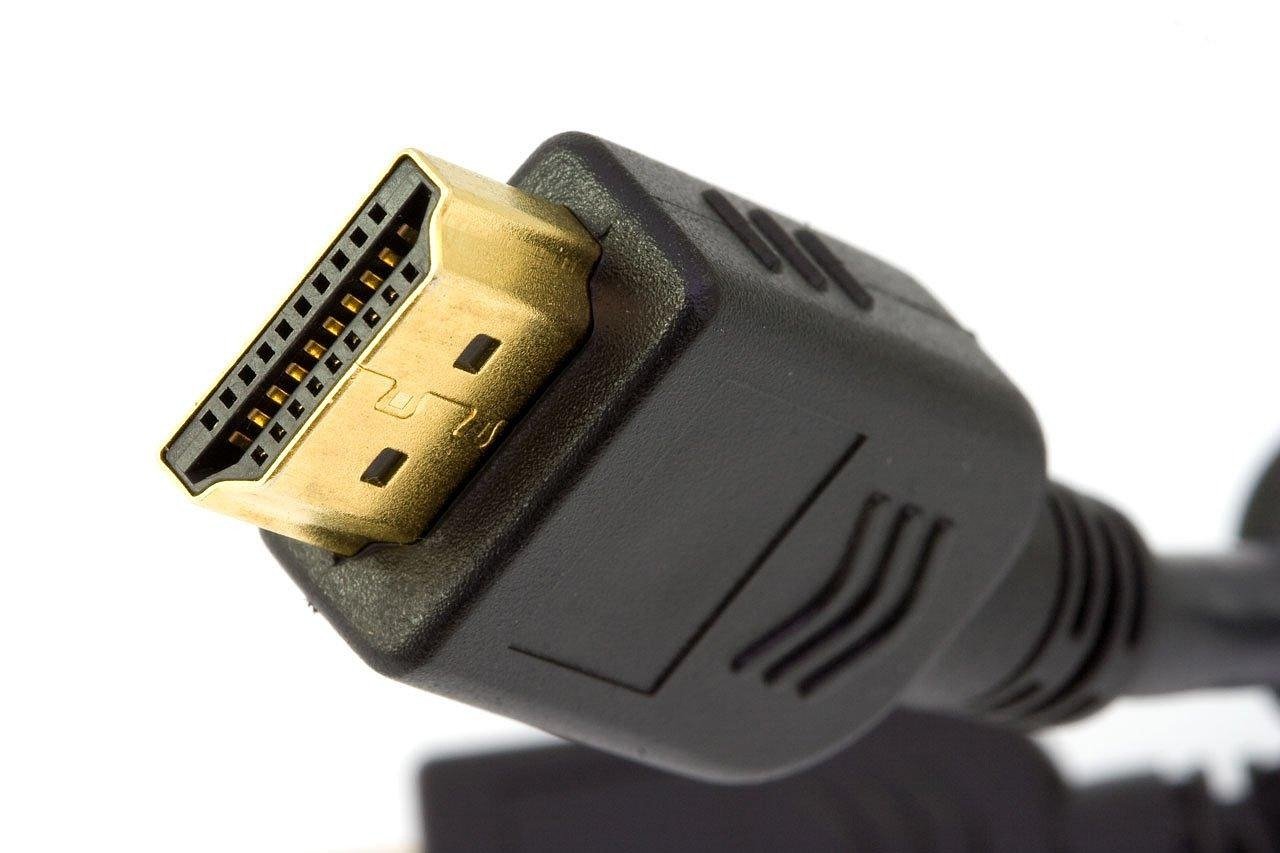
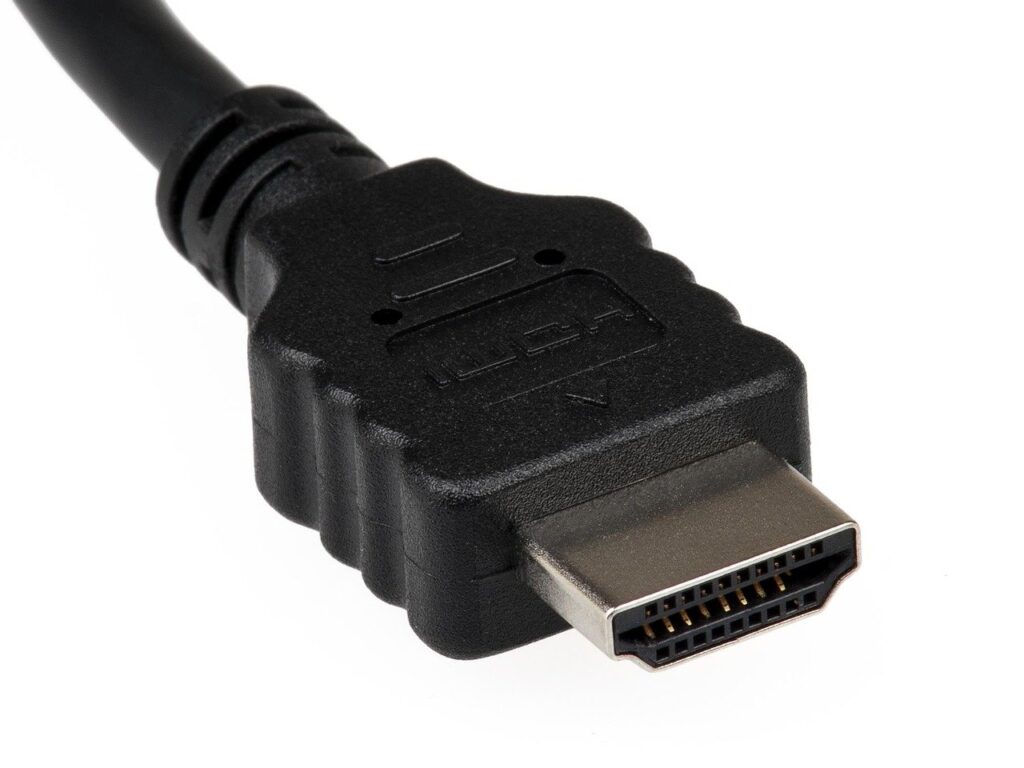
    An HDMI plug like this connects the console to the card’s input, and a second cable runs from the card to the display.

    Frequently asked questions

    Question Answer
    Do I need a PC to use a capture card with a PS5? Yes. The card sends a copy of the picture to a computer, where you record or stream with software.
    Which software works with these cards? Elgato names OBS Studio and Elgato Studio as apps for recording or streaming the captured footage.
    Can I use the Elgato 4K Pro in a laptop? No. It is an internal PCIe card, not portable, and does not work with laptops. Choose an external USB card instead.
    Can I capture party chat? The Elgato 4K S has a built-in analog audio input for console creators, used with Chat Link Pro.
  • GTA 5 Cheat Codes on PS5: The Ultimate 2026 Cheat List And How To Use Them

    GTA 5 Cheat Codes on PS5: The Ultimate 2026 Cheat List And How To Use Them

    GTA 5 cheat codes PS5 give players quick effects and fun options. This guide lists current codes and shows how to enter them on PS5. It explains button inputs and phone codes step by step. The guide helps players spawn vehicles, refill health, lower wanted level, and equip weapons fast.

    Key Takeaways

    • GTA 5 cheat codes on PS5 provide quick ways to restore health, equip weapons, spawn vehicles, and adjust wanted levels for enhanced gameplay.
    • Players can enter cheat codes using DualSense controller button sequences during gameplay or by dialing specific phone numbers in the in-game phone.
    • Using cheat codes disables achievements and trophies for the session, and effects may reset upon player death or loading saves, so saving before using cheats is recommended.
    • The guide’s complete list includes essential cheats like max health and armor, invincibility, raising or lowering wanted levels, and spawning popular vehicles and weapons.
    • Cheat codes allow players to experiment with stunts and missions easily but should be entered carefully to avoid missed inputs or failure, with phone codes usable anytime in free roam.

    How Cheat Codes Work In GTA 5 On PS5

    Cheat codes in GTA 5 on PS5 run as simple commands. The game reads button sequences or phone numbers and then triggers the effect. Cheats disable achievements and trophies for that play session. The game clears some effects when the player dies or when they load a save. Some cheats stack and some replace older effects. Players should save before they use cheats. The console accepts inputs during normal gameplay but not during cutscenes.

    How To Enter Cheats On PS5 (Controller Inputs And In-Game Phone Codes)

    Players enter GTA 5 cheat codes PS5 with the DualSense controller or the in-game phone. For controller inputs, players press the exact button sequence during play. The game shows a brief confirmation when it accepts the code. For phone codes, players open the in-game phone, go to Contacts, select Dial, and enter the number. The player then presses Call to activate the effect. The phone method works from any moment in free roam. The controller method works only while gameplay accepts inputs. Players should pause rarely while inputting sequences, because a missed button cancels the attempt.

    Essential Gameplay Cheats: Health, Weapons, Vehicles And Wanted Level

    This section covers the most used GTA 5 cheat codes PS5 for survival, firepower, travel, and cop interaction. The codes below save time and let players test stunts or experiment with missions. Use them to restore health, give armor, spawn weapons, call vehicles, and change wanted level. Players use these cheats while they play to get instant results. The next subheadings break these options into compact groups.

    Health, Armor & Weapon Cheats

    The health cheat restores player HP. The armor cheat fills body armor. The weapons cheat gives a full set of guns and ammo. Players press a button sequence or dial the phone code to apply each effect. After the weapons cheat, the player receives multiple weapon types and extra ammo. The health and armor cheats help players survive heavy fights. Players should note that armor and health do not remove wanted level. They only improve survival.

    Complete List Of PS5 Cheat Codes (Button Combinations And Effects)

    Below is a compact cheat list for GTA 5 cheat codes PS5. Each entry shows the effect and the input method. Players should enter button combos during play or dial the phone number.

    • Max Health & Armor, Button: O, L1, Triangle, R2, X, Square, O, Right, Square, L1, L1, L1. Effect: Restores health and armor.
    • Invincibility (5 minutes), Phone: 1-999-724-654-5537 (PAINKILLER). Effect: Temporary invincibility.
    • Give Weapons & Ammo, Phone: 1-999-8665-87 (TOOLUP). Effect: Grants weapon set and ammo.
    • Lower Wanted Level, Button: R1, R1, Circle, R2, Right, Left, Right, Left, Right, Left. Effect: Removes one wanted star.
    • Raise Wanted Level, Phone: 1-999-3844-8483 (FUGITIVE). Effect: Increases wanted level by two stars.
    • Spawn Comet (sports car), Button: R1, O, R2, Right, L1, L2, X, X, Square, R1. Effect: Spawns Comet.
    • Spawn Rapid GT, Phone: 1-999-727-4348 (RAPIDGT). Effect: Spawns Rapid GT.
    • Spawn Trashmaster, Phone: 1-999-872-433 (TRASHED). Effect: Spawns Trashmaster.
    • Spawn Buzzard (attack chopper), Phone: 1-999-289-9633 (BUZZ-OFF). Effect: Spawns Buzzard.
    • Super Jump, Button: Left, Left, Triangle, Triangle, Right, Right, Left, Right, Square, R1, R2. Effect: Greatly increases jump height.
    • Slow Motion Aim, Button: Square, L2, R1, Triangle, Left, Square, L2, Right, X. Effect: Slows aiming (repeated to increase effect).
    • Drunk Mode, Button: Triangle, Right, Right, Left, Right, Square, O, Left. Effect: Impairs controls.

    Players should test each code with a save nearby. The list covers common needs. Some codes may differ by game update. If a code fails, the player should check for typos or try the phone method.