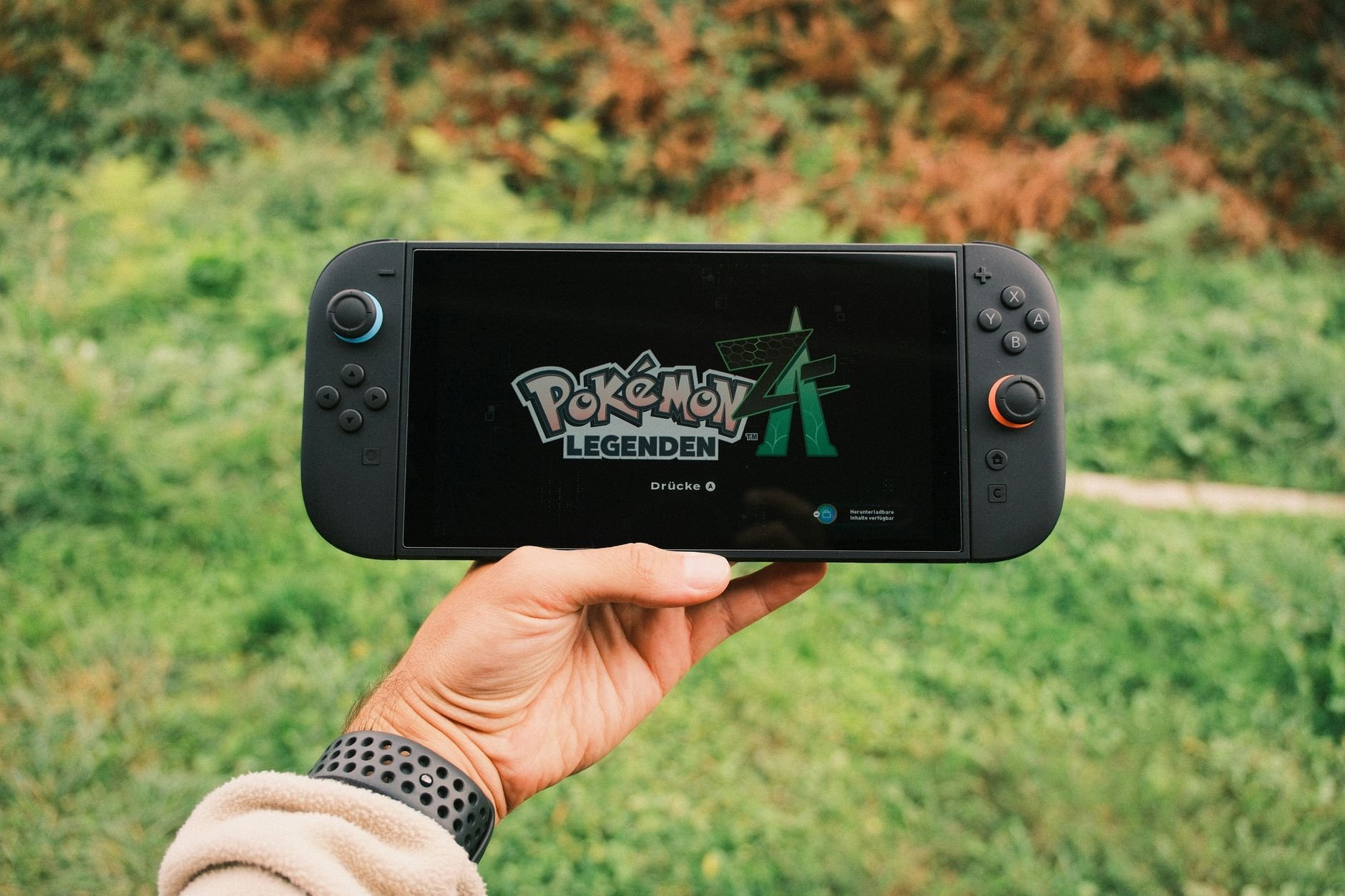
The best handheld pc gaming pick depends on your library: Steam Deck suits Steam players who want long battery life, ROG Ally X suits Windows users who need the biggest battery, and Legion Go suits those who want a large high-refresh screen.
If you would rather play at a desk than in your hands, our hardware guides cover the best gaming pc build choices. Console players who also record their games may want Best Capture Card for PS5 in 2026: Top Picks, Buyer’s Guide, and Easy Setup – Lunacheats.
Why the operating system decides your game library
A handheld gaming PC is still a PC, so the operating system determines which stores, launchers and games you can use. That choice matters more than any single spec, because it sets what you can install on day one. The two main routes are SteamOS and Windows 11.
SteamOS on Steam Deck
Steam Deck does not run Windows. According to HotHardware’s handheld buying guide, it uses the Arch Linux-based SteamOS, which relies on the Proton translation layer to run Windows games. In practice, your Windows-only library still works, but it works through translation. If you buy mostly through Steam, that trade is easy to accept. If you depend on one specific title, check how it runs on the Deck before you commit.
The same guide calls emulation a nearly optimal use case for the Steam Deck, which makes it the natural choice for players who also want to run older console libraries on one device.
Windows 11 on ROG Ally and GPD
The ASUS ROG Ally takes the opposite approach. Trusted Reviews notes that Asus chose Windows 11 as its operating system, and that the device is powered by AMD’s Ryzen Z1 Extreme chip. A Windows 11 handheld behaves like any other Windows PC, so you install launchers the usual way instead of depending on a compatibility layer.
GPD makes the case plainly: every GPD device is a fully open Windows 11 PC that supports Steam, Game Pass and Epic Games. If your library is spread across several stores, or you subscribe to Game Pass, a Windows 11 handheld removes the compatibility question altogether.
Battery life: capacity, mode and realistic expectations
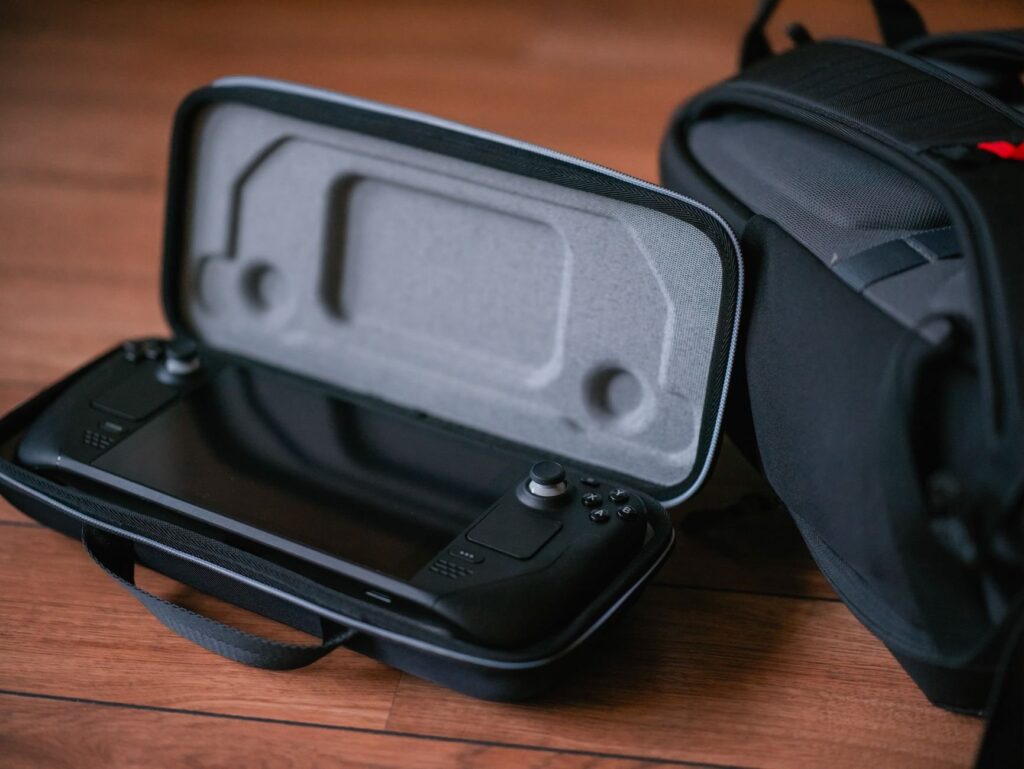
Battery life depends mainly on the size of the battery and how hard you push the hardware. The most concrete runtime figure available is for the ROG Ally X, which can run full-tilt in Turbo mode for as long as three hours, according to HotHardware. That describes maximum-performance play, so treat it as a heavy-use scenario rather than a promise for every game.
The reason the Ally X manages that is its capacity. ASUS doubled the battery from 40 Wh in the original ROG Ally to a full 80 Wh, and the reviewer describes it as the biggest battery in any gaming handheld at the time of writing. Watt-hours are the number to compare across devices, because they tell you how much energy each handheld carries before the chip’s appetite comes into play.
- ROG Ally X: 80 Wh, the strongest choice if long sessions away from a charger decide your purchase.
- MSI Claw: a relatively large 55 Wh battery, which puts it between the original Ally and the Ally X on capacity.
- Steam Deck: HotHardware singles out its relatively long battery life as a key strength, though it gives no hours. Choose it when you want endurance without moving to a Windows device.
The practical rule is simple. If a handheld will spend most of its life unplugged, shortlist by battery capacity first and screen second. If it will mostly live near a socket, a smaller battery costs you little, and you can weigh screen and library more heavily.
Screens, weight and chips at a glance
Screen size and resolution shape how a handheld feels day to day, and the main models differ more here than on paper specs elsewhere.
| Handheld | Display | Standout trait | Planning use |
|---|---|---|---|
| Steam Deck | LCD at 1280×800; OLED version has a 7.4-inch panel | Runs SteamOS; relatively long battery life | Steam-first players, emulation, long unplugged sessions |
| ASUS ROG Ally | 7-inch IPS touchscreen, 1920×1080, 120Hz | Windows 11 with AMD Ryzen Z1 Extreme | Players who want sharper detail and any Windows launcher |
| Lenovo Legion Go | 8.8-inch QHD, 144Hz, up to 500 nits peak, 97% DCI-P3 | Largest screen of the group | Players who prioritise a big, bright, colourful display |
Figures come from Trusted Reviews for the Steam Deck and ROG Ally displays, and from HotHardware for the Legion Go panel.
Trusted Reviews also weighs the devices: the ROG Ally comes in at 608 g, lighter than the 669 g Steam Deck. That difference is small but noticeable over a long session, so it matters most if you play in bed, on a train or on a plane. Meanwhile, the Steam Deck’s LCD is restricted to 1280×800, which the same review treats as a limit against the Ally’s Full HD screen. The larger Legion Go panel buys visual impact, but a bigger display and a lighter device pull in opposite directions, so decide which you will notice more.
Which handheld suits which kind of player
No single device wins every category, so the choice follows how you play. These recommendations rest on operating system, battery capacity and display, the attributes best supported by published reviews.
- Steam library and emulation: Steam Deck. SteamOS with Proton covers Windows games from Steam, and emulation is described as a nearly optimal fit.
- Windows launchers and Game Pass: ROG Ally, or a GPD handheld if you want an open Windows 11 PC that supports Steam, Game Pass and Epic Games.
- Longest sessions away from power: ROG Ally X, with its 80 Wh battery, with the Steam Deck as the alternative if you prefer SteamOS.
- Biggest, brightest display: Lenovo Legion Go, with its 8.8-inch QHD screen and 144Hz refresh rate.
- Lightest to carry: ROG Ally, at 608 g, ahead of the Steam Deck.
If your gaming is mostly at a desk, with only occasional travel, a handheld may not be the right primary machine. A best prebuilt gaming pc can serve the home setup while a handheld covers the commute.
Choosing in order of priority
Work through the decision in the sequence below, because earlier answers narrow what the later ones need to settle.
- Pick your store first. If your games live mainly in Steam, SteamOS devices fit. If you use several launchers, narrow the list to Windows 11 devices.
- Set a battery floor. Compare watt-hours, and remember that the quoted three-hour Turbo runtime belongs to the largest battery currently in the group.
- Match the screen to your eyes. Sharpness favours the ROG Ally’s Full HD panel, while size and colour favour the Legion Go.
- Check the weight. A small gap per device adds up when you hold it for long sessions.
Whichever you choose, the final judgement is about trade-offs: no handheld in this group gives you the longest battery, the biggest screen and the lowest weight at once.
Frequently asked questions
Can a handheld run Game Pass?
Yes, on a Windows 11 handheld. GPD states that its devices are open Windows 11 PCs that support Steam, Game Pass and Epic Games.
Does the Lenovo Legion Go support variable refresh rate?
No. Its 8.8-inch panel runs at 144Hz but lacks VRR support, according to HotHardware.
Is the original ROG Ally a good choice for battery life?
No. Trusted Reviews lists poor battery life among its drawbacks. Buyers who care about runtime should look at the ROG Ally X, which doubled the capacity to 80 Wh.
Which handheld has the longest battery?
The ROG Ally X has the largest battery in the group at 80 Wh. The Steam Deck is also praised for relatively long battery life, though no hours are given for it.
Leave a Reply