

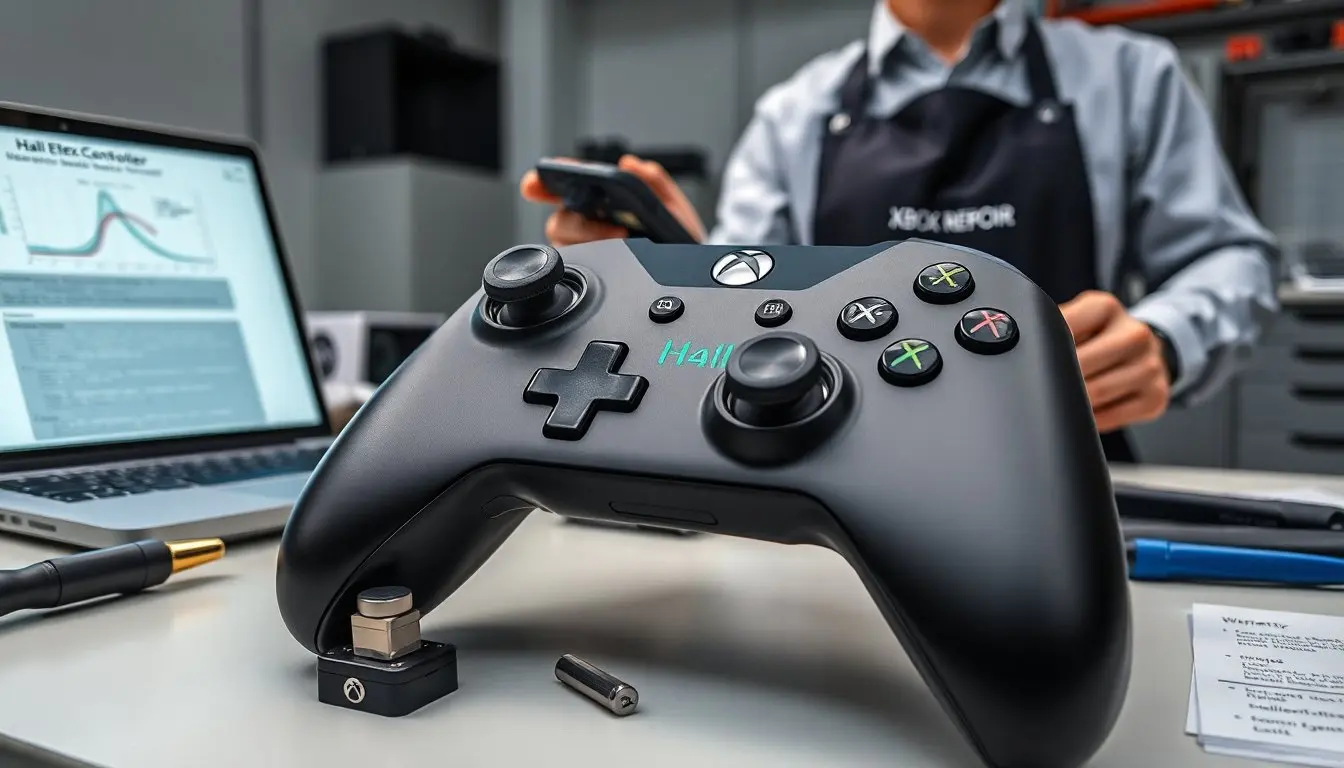
Hall effect xbox controller appears in the first line to signal the topic clearly. The guide explains how the sensor works, why players pick these controllers, and what to expect during use. It lists real examples and buying tips. It uses plain language so readers learn fast and act with confidence.
Key Takeaways
- A Hall-effect Xbox controller uses magnetic sensors to provide precise joystick input without the drift common in traditional potentiometer designs.
- Gamers prefer Hall-effect controllers for their near-zero drift, reduced maintenance, and consistent performance over thousands of hours of play.
- Although Hall-effect controllers cost more upfront and have rarer replacement parts, they offer better durability and longer lifespan beneficial for competitive players.
- Hall-effect sensors deliver improved input precision and steady center values, enhancing gameplay especially in shooters, flight sims, and racing games.
- When buying or modding a Hall-effect Xbox controller, check compatibility, warranty, and vendor reliability, and ensure proper installation to avoid damage.
- Keeping spare magnets and thumbsticks helps maintain Hall-effect controllers for extended use and optimal performance.
What Hall Effect Sensors Are And How They Work In Xbox Controllers
Hall sensors detect magnetic fields and they convert those fields into electrical signals. A Hall-effect Xbox controller uses magnets on the stick and sensors on the PCB. When the stick moves, the distance to the magnet changes. The sensor reads that change and sends a precise value to the controller chip. The controller chip reports joystick position to the console. Traditional potentiometers use physical contact. That contact wears and creates drift over time. Hall sensors do not rely on contact for position readout. They reduce wear and prevent the common drift that affects analog sticks.
In more detail: a Hall-effect sensor produces a voltage proportional to the magnetic flux density it senses. The magnet is typically affixed to the moving shaft or to a carrier arm so that motion results in predictable changes in field strength. The sensor output is fed into an analog-to-digital converter or into firmware that linearizes and scales the reading to match expected axis ranges. Because the readout depends on magnetic field strength rather than wipers sliding over resistive tracks, there is no abrasive wear and the center position remains stable over long durations.
There are implementation differences to be aware of: some designs use linear Hall sensors that give a continuous range of values, while others use digital Hall modules with built-in interpolation. PCB layout, magnet strength and polarity, and firmware calibration all affect how smooth and accurate the reported input feels. Manufacturers often combine Hall sensors with adjustable tension springs or swappable thumbstick heads to tune mechanical feel independently from the sensor’s electrical characteristics. For repair shops and modders, the lack of a mechanical contact reduces the frequency of sensor replacements, but proper alignment of magnet-to-sensor during assembly is critical to avoid nonlinearity or dead zones.
Benefits And Trade-Offs: Why Gamers Choose Hall-Effect Controllers
Players choose Hall-effect Xbox controllers for long-term precision and low maintenance. The main benefit is near-zero drift. The sensor does not wear out in the same way as a potentiometer. Players report fewer calibration sessions and less service. Gamers also see consistent aim and movement over thousands of hours. Manufacturers add features like swappable thumbsticks and stronger springs alongside Hall sensors. These additions improve control without adding drift.
Beyond drift reduction, Hall sensors offer a more predictable failure mode. Rather than gradual degradation that can be hard to diagnose, a faulty Hall sensor is more likely to exhibit a sudden fault or clear out-of-range reading, which is easier to detect and often easier to replace as a module. The smooth center and repeatable output benefit precision tasks: flick shots, micro-adjustments while strafing, and small corrections in flight simulators.
The trade-offs include higher cost and rarer parts. Hall controllers cost more to produce and to repair. Players who mod controllers may find fewer off-the-shelf replacement parts and may need to source compatible magnets or specific sensor footprints. Some older repair guides do not cover Hall sensor swaps, and inexperienced technicians can damage the tiny SMD sensors or misalign magnets during installation. Availability of aftermarket accessories can be limited compared with standard potentiometer-based controllers.
Another consideration is feel. Because Hall sensors separate the electrical sensing from the mechanical resistance, manufacturers and modders must tune springs and stick geometry to achieve the desired tactile response. Some players love the clean, consistent feel; others prefer the subtle friction of older potentiometer sticks. Finally, the total cost of ownership often favors Hall controllers for heavy users and competitive players, while casual players may find the performance benefits less noticeable relative to the price premium.
Key Performance Areas: Input Precision, Latency, Durability, And Drift (With Real-World Examples)
Input precision improves when the controller reports cleaner values. A Hall-effect Xbox controller often shows finer granularity in aim adjustments. Pro players test this in aiming drills and notice smoother tracking. The sensor’s linear response means small stick deflections map predictably to small in-game movements, which is especially useful for pixel-precise aiming in shooters and fine attitude control in flight sims.
Latency stays the same or improves slightly because the sensor gives a stable signal that the chip reads without retries. There is no inherent extra processing required: the controller’s MCU polls or interrupts on the sensor output as it would with a potentiometer. In practice, any latency difference is dominated by USB/wireless stack, firmware polling rates, and the console’s input pipeline rather than the sensor technology itself.
Durability increases because the sensor has no sliding contact. Repair shops report longer lifespans and fewer replaced thumbsticks. Drift goes down to near-zero in most units. Players who use controllers intensively for training, streaming, or competitive play commonly note months or years without the centering degradation that forced many potentiometer controllers to be serviced. For example, enthusiasts regularly report stable center values after hundreds of hours of use; conversely, potentiometer-based sticks often need attention within a year under heavy use.
Real-world play shows fewer aim snaps and fewer unintentional movements. The benefits appear strongest in shooters and flight sims, where small input changes matter. Racing players value consistent pedal and wheel zones when they swap to Hall-based inputs. Other examples from the community include: long endurance play sessions where the stick returns precisely to center after extended stress, fewer mid-match calibration interruptions, and smoother camera pans in third-person games. When testing a controller, practical checks include running a dead-zone and center report utility, recording raw axis values over time to look for drift, and doing repeatable micro-adjustment drills to compare responsiveness between controllers.
How To Choose, Buy, And Install A Hall-Effect Xbox Controller (Compatibility, Budget, And Modding Tips)
Buy a Hall-effect Xbox controller that lists Hall sensors in the specs. Verify compatibility with the target console model and with PC if needed. Check vendor return policies and warranty length. Compare stock controllers, pro models, and aftermarket modded units. Set a budget that covers a higher initial cost and lower long-term repair cost.
Buying checklist: – Confirm the seller discloses Hall sensor usage and whether the unit is factory-equipped or aftermarket-modded. – Check whether the controller is wired or wireless and whether it supports the console generation you plan to use (Xbox One vs Xbox Series vs PC). – Look for reviews or community notes about magnet alignment, firmware quirks, or necessary updates. – Prefer vendors with clear warranty and return policies, and factor in potential shipping times for replacement parts.
For mods, choose kits from trusted sellers and read reviews. A Hall-effect Xbox controller mod kit usually includes sensors, magnets, and instructions. Typical installation steps are: – Gather tools: precision screwdrivers, soldering iron with a fine tip, magnification, tweezers, and ESD protection. – Disassemble the controller carefully and document screw locations. – Remove the old potentiometers and clean the pads; avoid lifting traces. – Align the Hall sensor and magnet according to kit instructions, secure components, and reflow solder joints cleanly. – Test the board externally (with bench power or a connected console/PC) before reassembly to confirm correct axis output and center values. – Reassemble and perform in-game validation and any firmware calibration if required.
Safety and compatibility notes: the installer should have basic soldering skills and a small toolkit. They should ground themselves and follow static rules. They should test the board on a bench before reassembly. If the installer lacks soldering experience, they should pay a technician. For compatibility, note differences between Xbox One, Xbox Series, and PC driver support: some controllers may require firmware updates, remapping tools, or adapters to expose advanced features. When buying used, inspect stick centering and test inputs. A quick center test shows stable values near zero when the stick rests; if you see wandering values or jumps, that unit may still use a worn potentiometer or be poorly aligned after a previous mod.
Budget buyers can opt for third-party controllers with Hall sensors, but weigh warranty and long-term support. Competitive buyers often prefer official or pro-branded options because they combine Hall sensing with better mechanical components and vendor support. Keep spare thumbsticks and magnet sets on hand for quick swaps. Finally, register the controller with the seller when possible to preserve warranty and get faster support. Routine maintenance — periodic cleaning of the case, gentle replacement of stick boots, and checking magnet alignment after a drop — will help preserve the advantages of a Hall-effect Xbox controller for years of reliable play.


