

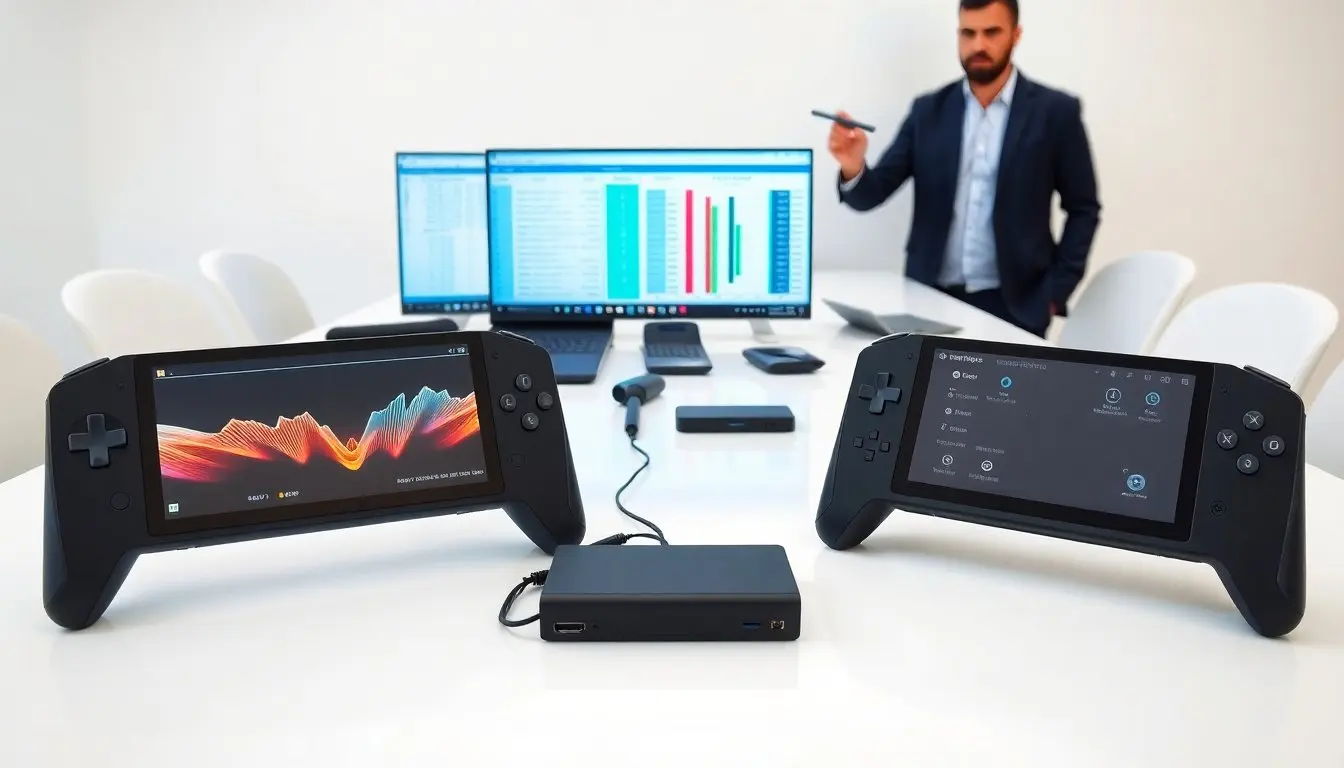
The ROG Ally vs Steam Deck debate shapes many buying choices in 2026. The reader wants clear facts and direct comparisons. This article shows how each handheld performs, what each one runs, and how each feels in hand. The reader will get concrete differences and use cases to decide which device fits their needs.
Key Takeaways
- The ROG Ally offers superior raw performance with a Ryzen Z1 CPU and higher GPU clocks, running games smoother at 1080p compared to the Steam Deck’s AMD 2021 APU optimized for 800p or upscaled resolutions.
- ROG Ally runs Windows natively, enabling broader game compatibility and access to multiple game stores, while Steam Deck uses SteamOS with seamless Steam library integration and Proton for many Windows games.
- Design differences matter: the Ally is compact and portable with a premium build and faster 1080p+ display options, whereas the Steam Deck is larger, emphasizing comfort for long gaming sessions with larger controls.
- Battery life favors the Steam Deck due to efficiency, running cooler with longer playtime, while the ROG Ally trades battery for higher performance and requires active cooling under heavy loads.
- ROG Ally supports advanced expandability with USB4/Thunderbolt-like ports suitable for external GPUs, whereas the Steam Deck offers solid dock support but with limits on high-demand external workloads.
- The user experience contrasts between the Ally’s PC-like Windows desktop interface and the Deck’s controller-focused SteamOS, catering to different preferences and gaming habits.
Performance, CPU/GPU, And Expandability
The ROG Ally vs Steam Deck comparison starts with raw performance. The ROG Ally uses an AMD Ryzen Z1 series CPU. The Steam Deck uses an AMD APU from the 2021 line. The Ally’s CPU runs at higher clock speeds. The Ally’s GPU offers more compute units and higher sustained clocks in many games. The Steam Deck runs many titles well at its native resolution. The Ally runs many titles at higher settings and smoother frame rates.
The ROG Ally vs Steam Deck difference shows up in demanding AAA games. The Ally can hit higher settings at 1080p or framebuffer scales that approach 1080p. The Deck works best at 800p or upscaled modes. The Ally’s performance needs active cooling and more power. The Deck trades top performance for efficiency and battery life.
The ROG Ally vs Steam Deck story continues with memory and storage. The Ally ships with faster LPDDR5 and higher-capacity SSD options. The Deck uses LPDDR5 in newer models, but some older Decks have LPDDR4. Both devices use M.2 or proprietary SSD slots depending on model. The Ally often offers faster SSD read/write speeds by default.
The ROG Ally vs Steam Deck expandability differs. The Ally includes Thunderbolt-like USB4 or high-bandwidth USB-C on some models. The Deck uses USB-C with DisplayPort over USB-C on newer models. The Ally gives more headroom for external GPUs and docks in practice. The Deck supports docks and external monitors well but shows limits with very high-demand external workloads.
Software, Game Compatibility, And User Experience
The ROG Ally vs Steam Deck software situation affects game access. The Steam Deck runs SteamOS by default and integrates the Steam library deeply. The Deck runs Proton layers that let many Windows games run without modification. Developers certify some titles for Deck, which simplifies buying.
The ROG Ally vs Steam Deck contrast shows when the user wants Windows. The Ally ships with Windows by default. The Ally runs native Windows games, game stores, and DRM without compatibility layers. The Ally also runs Steam and Epic and other clients. The Deck can install Windows, but the user must manage drivers and battery tuning.
The ROG Ally vs Steam Deck update models differ in interface and UX. The Deck’s SteamOS UI offers couch-style browsing with controller-first menus. The Ally’s Windows setup uses desktop UI and a companion overlay for controller use. The Ally’s UI feels closer to a PC, while the Deck feels more like a console.
The ROG Ally vs Steam Deck ecosystem matters for mods and tools. The Deck benefits from a large community that shares Proton tweaks and profiles. The Ally benefits from the Windows ecosystem and existing PC tools. The Deck gives a simpler, curated buying experience. The Ally gives broader compatibility out of the box.
Design, Controls, And Display Quality
The ROG Ally vs Steam Deck designs reflect different priorities. The Ally uses a compact, light chassis with a textured back. The Deck uses a larger, heavier chassis that aims for comfort during long sessions. The Ally favors portability and sleek lines. The Deck favors grip and long-session comfort.
The ROG Ally vs Steam Deck control layouts differ. The Deck uses larger thumbsticks, a D-pad, and trackpads for mouse-like input. The Ally uses smaller thumbsticks and a more traditional controller layout that suits action games. Both devices include gyro controls. The Deck’s larger sticks sometimes give finer aim control. The Ally’s layout helps with fast camera moves.
The ROG Ally vs Steam Deck displays also differ. The Ally ships with a faster, higher-quality LCD or OLED option at 1080p and higher refresh rates. The Deck uses an LCD at 800p or 1080p in newer revisions with slower native refresh. The Ally’s panel often shows more color and higher refresh for smooth motion. The Deck’s panel offers good clarity and strong brightness in many conditions.
The ROG Ally vs Steam Deck finish and build choices shape durability. The Ally uses premium buttons and a solid hinge for vents. The Deck uses robust plastics and large vents that favor steady airflow. Both devices show good build quality for handhelds. The buyer should check for build revisions and warranty details before purchase.
Battery Life, Thermals, And Real-World Portability
The ROG Ally vs Steam Deck trade-offs surface in battery life and heat. The Ally gives higher performance at the cost of shorter battery life. The Deck gives longer battery life at moderate settings. The Ally runs hotter under heavy load and may throttle without manual tuning. The Deck runs cooler and steadier for long sessions.
The ROG Ally vs Steam Deck real-world use depends on settings. The Ally lets the user lower clocks to extend battery life with quick profile changes. The Deck gives consistent battery estimates at default settings. The Ally fits in many bags due to its small frame. The Deck fits in larger cases and needs more space.
The ROG Ally vs Steam Deck dock and accessory options affect portability. The Ally’s docks can add ports and power for docked play. The Deck’s official dock provides stable output and Ethernet. Both devices work well with third-party docks and power banks. The user should match power delivery specs to avoid charging issues.


