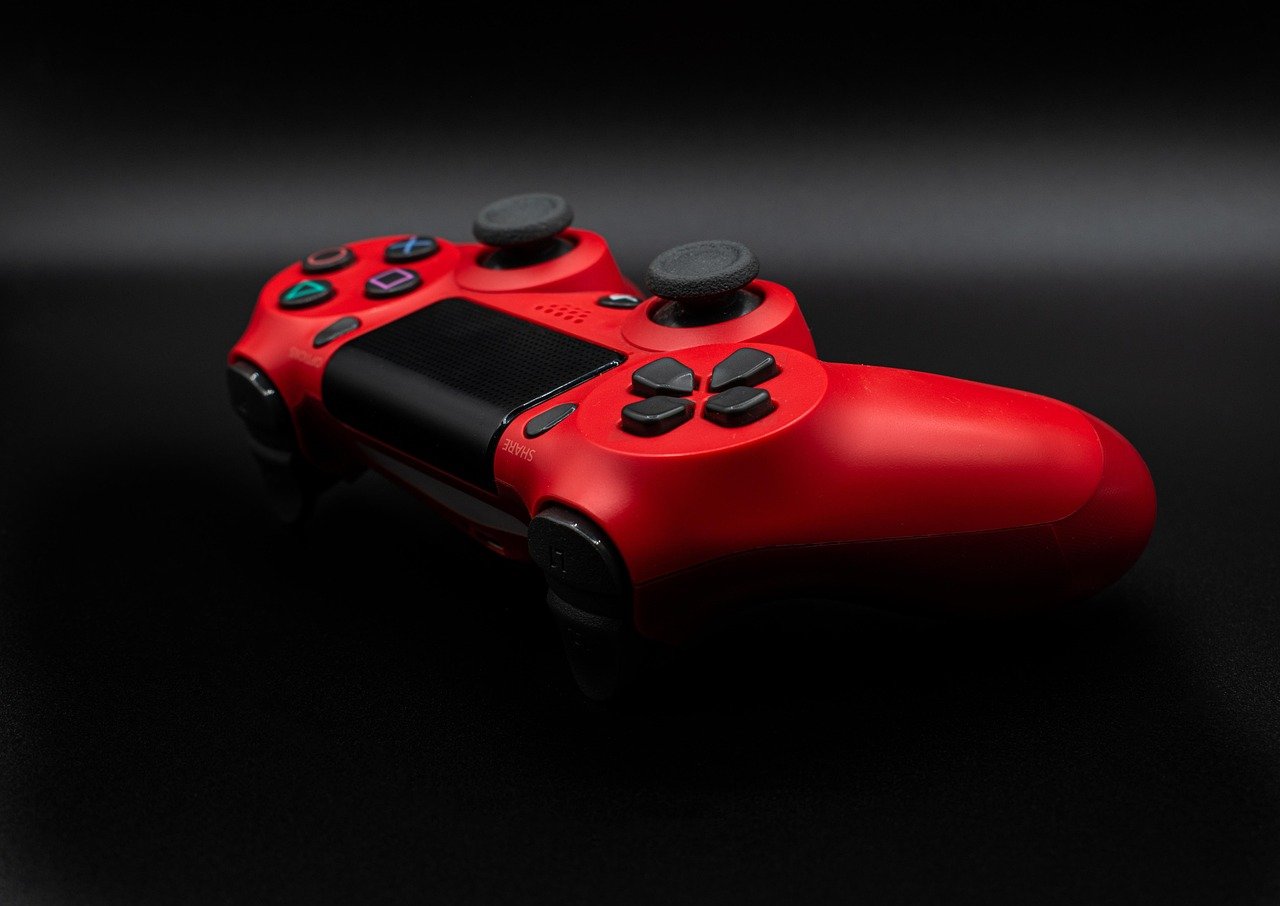
The short answer on how to fix stick drift ps4 owners face: rule out game settings and connection faults, clean around the stick with canned air, and replace the worn stick only if drift survives cleaning.
This guide climbs that ladder one rung at a time, so you only open the controller when cheaper fixes have failed. Wider hardware decisions, such as planning a best gaming pc build, sit in our gaming hardware buying guides.
Why a DualShock 4 stick drifts
Stick drift shows up as unintended camera or character movement while the analog stick is at rest. The cause is usually in the sensor under the stick cap. The DualShock 4 uses potentiometers to sense joystick position. Because these are mechanical parts, they wear down over time, usually within a year or two depending on usage.
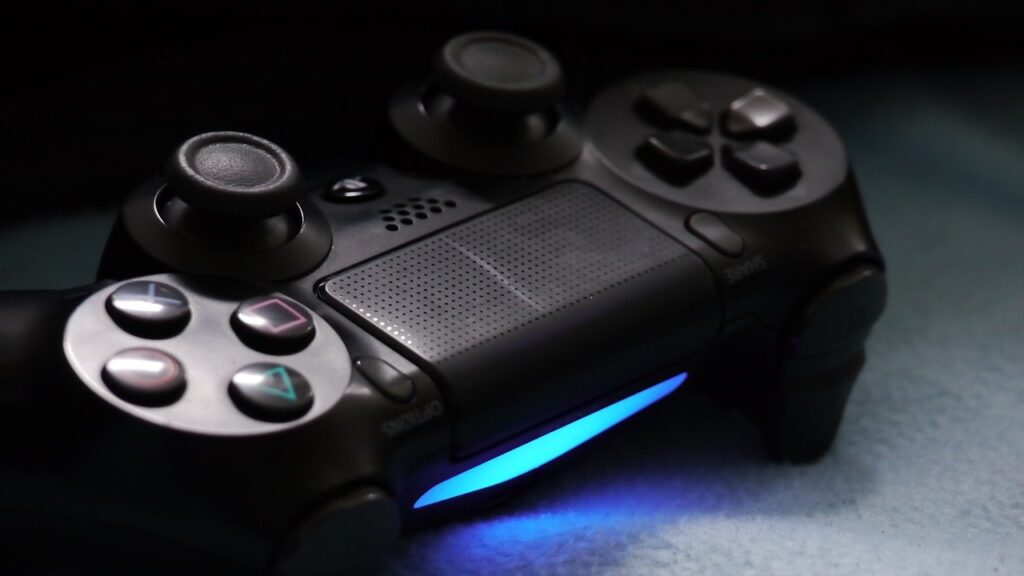
That wear explains why the fixes escalate. Dust inside the potentiometer is the cheapest cause to remove, and a blower can sometimes clear it. A worn potentiometer cannot be cleaned back to health, so it needs replacing. Physical abuse is a third cause: drift may simply be the result of abused hardware, such as a controller that has been dropped or thrown. In that case cleaning is unlikely to help, and you can skip ahead to replacement.
Diagnosing the fault before you fix anything
Confirm that the controller is the problem before touching the stick. Several faults look like drift but have different cures, so a few minutes of testing saves a lot of effort.
Rule out power, cable and pairing
Fully charge the controller, try a known-good USB cable and a different USB port, and pair the controller again. These are the basic checks to complete before any repair. If the controller behaves normally when wired but misbehaves wirelessly, that points to a wireless fault rather than a worn stick, so drift-cleaning will not help.
Isolate the controller from the console
Test the controller on another PS4 or on a PC if you have one. This separates a controller fault from a console issue. If the stick still moves at rest on a different host, the controller itself is at fault.
Check whether it is one game
Analog sticks can drift in specific games, so test another title. If drift appears in only one game, try updating the software or, where the game allows it, adjusting the dead zone settings. If the cursor or camera creeps in menus and every game, treat it as hardware and move on to cleaning.
Keeping the console and controller software current is also worthwhile, since firmware and system updates can resolve some connection and performance bugs.
Home fixes that do not open the controller
Cleaning is the right first repair. Game Revolution calls cleaning the best fix for a drifting analog stick, and it often needs nothing more than canned air. This suits anyone, because no tools are involved.
Canned air
- Power off the controller. Do this before spraying near the stick.
- Spray around the stick. Blow air in and around the affected stick, aiming at the gap between the cap and the body.
- Work the stick while you spray. Move the joystick around and click it inward while directing air around all of its edges, so trapped dust shifts.
- Retest. Reconnect the controller and check for movement at rest.
Cotton swab and dry cloth
If canned air leaves some drift, wipe the crevices of the stick with a dry cloth. For stubborn dirt, a cotton swab lightly dipped in water or isopropyl alcohol can lift it. Keep the swab only lightly dipped, since the aim is to clean the visible edges of the stick area, not to flood the controller.
Resetting the controller
A reset is quick and free. PSU notes that a soft or hard reset can do the job. For intermittent wireless behaviour, Game Revolution describes pressing and holding the reset button on the back of the controller, then resyncing it. Resetting will not cure a worn sensor, but it removes a software cause cheaply.
If these steps fail, the dirt is deeper than surface level or the sensor is worn. Both need the controller opened, which is a different level of commitment.
Opening the controller: deep cleaning
When canned air does not cut it, you need to take the controller apart and clean out the joystick connections. The job needs only a few basic tools, specifically Torx bits, plus household items such as cotton swabs. Game Revolution still labels it an advanced fix, because the controller has many small parts and delicate cables.
There is a real trade-off here. Repair guidance aimed at owners troubleshooting at home advises you to avoid opening the controller or inserting objects into ports. If you are not comfortable handling small screws and fragile ribbon cables, stop at the home fixes and move straight to a professional diagnosis, which that same source recommends when drift persists after the basic checks.
One safety rule overrides everything else: stop using the controller and console if you detect smoke, a burning smell or an exposed battery.
Replacing the stick or the controller
Replace the stick when cleaning has not worked or when the controller has taken physical abuse. An iFixit community answer is blunt: the stick that drifts is the one that needs replacing. Since potentiometers wear within a year or two depending on use, a heavily played controller reaching this stage is not a surprise.
What the repair involves
The part is not a simple plug-in swap. You must purchase either a replacement joystick assembly or new potentiometers, and the old part has to be soldered out and the new one soldered in. A DualShock 4 right analog stick replacement guide is listed as difficult. Compare the price of the part, the tools you would need and your soldering confidence against the alternative. As PSU puts it, the only other option is simply to buy a new DualShock 4.
Who should pick which route
- Comfortable with soldering: buy the matching stick assembly or potentiometers and repair it yourself.
- Not comfortable with soldering: pay for a professional repair, or buy a new controller if the quote is close to the price of one.
- Controller has been dropped or thrown: expect a hardware fault, so budget for replacement rather than more cleaning.
The escalation ladder at a glance
| Stage | What it involves | Opens the controller? | Planning use |
|---|---|---|---|
| Canned air | Power off, spray around the stick while moving and clicking it | No | Try first; it often needs nothing more |
| Deep clean | Torx bits and cotton swabs to clean the joystick connections | Yes | Only if you accept an advanced job with delicate cables |
| Stick replacement | Solder out the old stick or potentiometers and solder in new parts; listed as difficult, about 30 minutes to 1 hour | Yes | Choose when cleaning fails or the controller was abused |
Steps and effort levels come from Game Revolution’s drift guide and an iFixit community answer on stick replacement.
Related drift guides
Drift is not unique to Sony hardware. If you are considering a controller built to avoid it, Hall-Effect Xbox Controllers: The Ultimate Guide To Drift-Free Performance In 2026 – Lunacheats covers drift-free options on the Xbox side. Handheld players can follow How To Fix Stick Drift On Nintendo Switch: 3 Reliable Fixes You Can Do Today (2026) – Lunacheats instead.
Frequently asked questions
Can drift be fixed without opening the controller?
Sometimes. Canned air, a dry cloth, a lightly dipped cotton swab and a controller reset all work from the outside. They clear dust and software glitches, but they cannot repair a worn sensor.
When should I replace the module?
Replace it once cleaning and resets have not stopped drift, or when the controller has been dropped or thrown. Replacement means buying a stick assembly or potentiometers and soldering, so a professional repair or a new DualShock 4 may suit you better.
Why does my stick only drift in one game?
The game may be at fault rather than the hardware. Update the software or adjust the game’s dead zone settings if it offers them, then confirm by testing a different title.
When should I stop using a drifting controller?
Stop immediately if you notice smoke, a burning smell or an exposed battery, and do not keep using the controller or console until it has been checked.
Leave a Reply